

Overview
The Integrations section allows you to seamlessly connect external API sources—such as Postman or Swagger—to automatically import, sync, and update API endpoints in the Web Application Scanner (WAS).This ensures your security testing always reflects the most accurate and up-to-date API inventory.
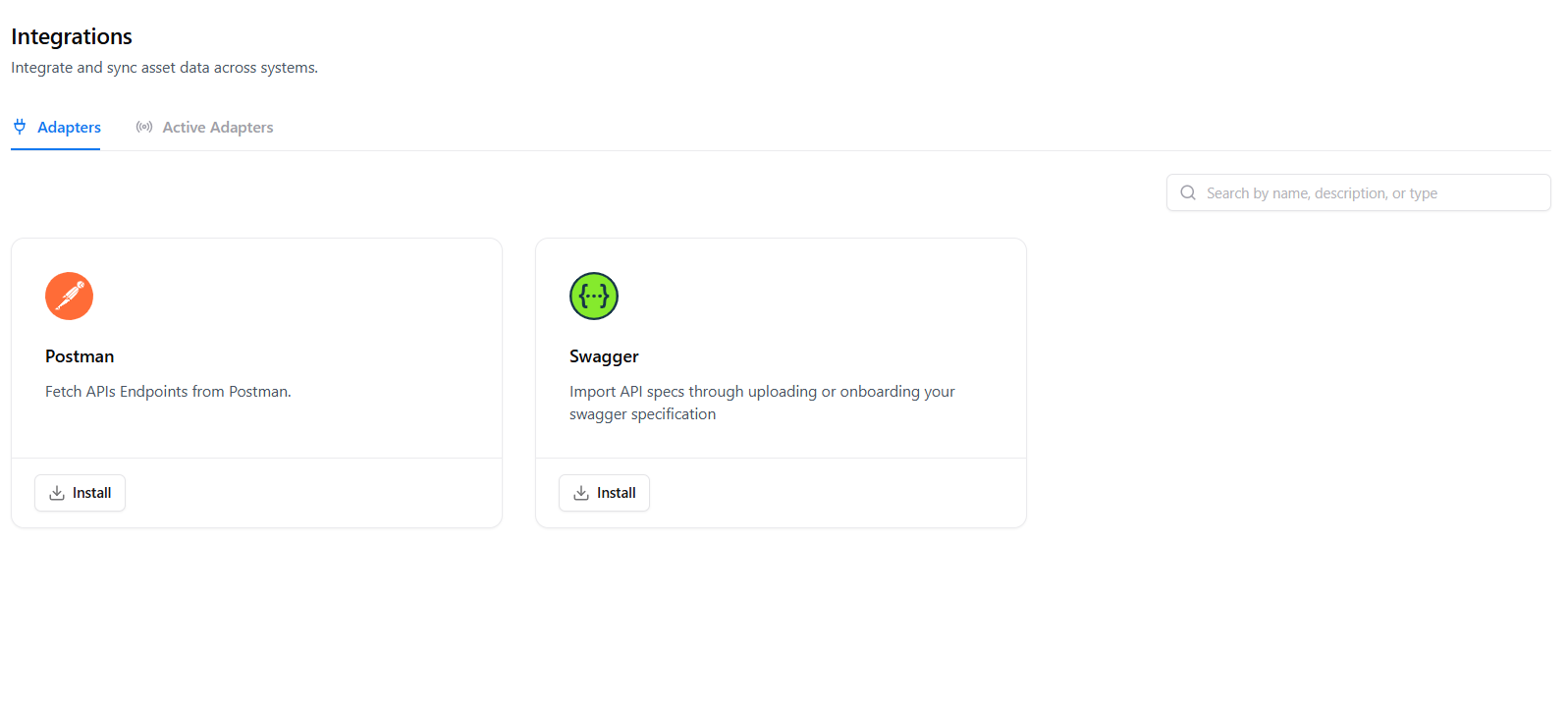
Overview
The Integrations page provides a centralized place to install, configure, and manage adapters that pull APIs into WAS. You can:- Install connectors like Postman or Swagger
- View active adapters and their sync status
- Refresh imported APIs
- Enable continuous synchronization for automatic updates
Adapter Types
Postman
Import APIs directly from Postman Collections.
Ideal for teams already managing API documentation or testing workflows in Postman.
Ideal for teams already managing API documentation or testing workflows in Postman.
Swagger / OpenAPI
Upload or connect Swagger (OAS) specifications to onboard structured API definitions effortlessly.
Active Adapters
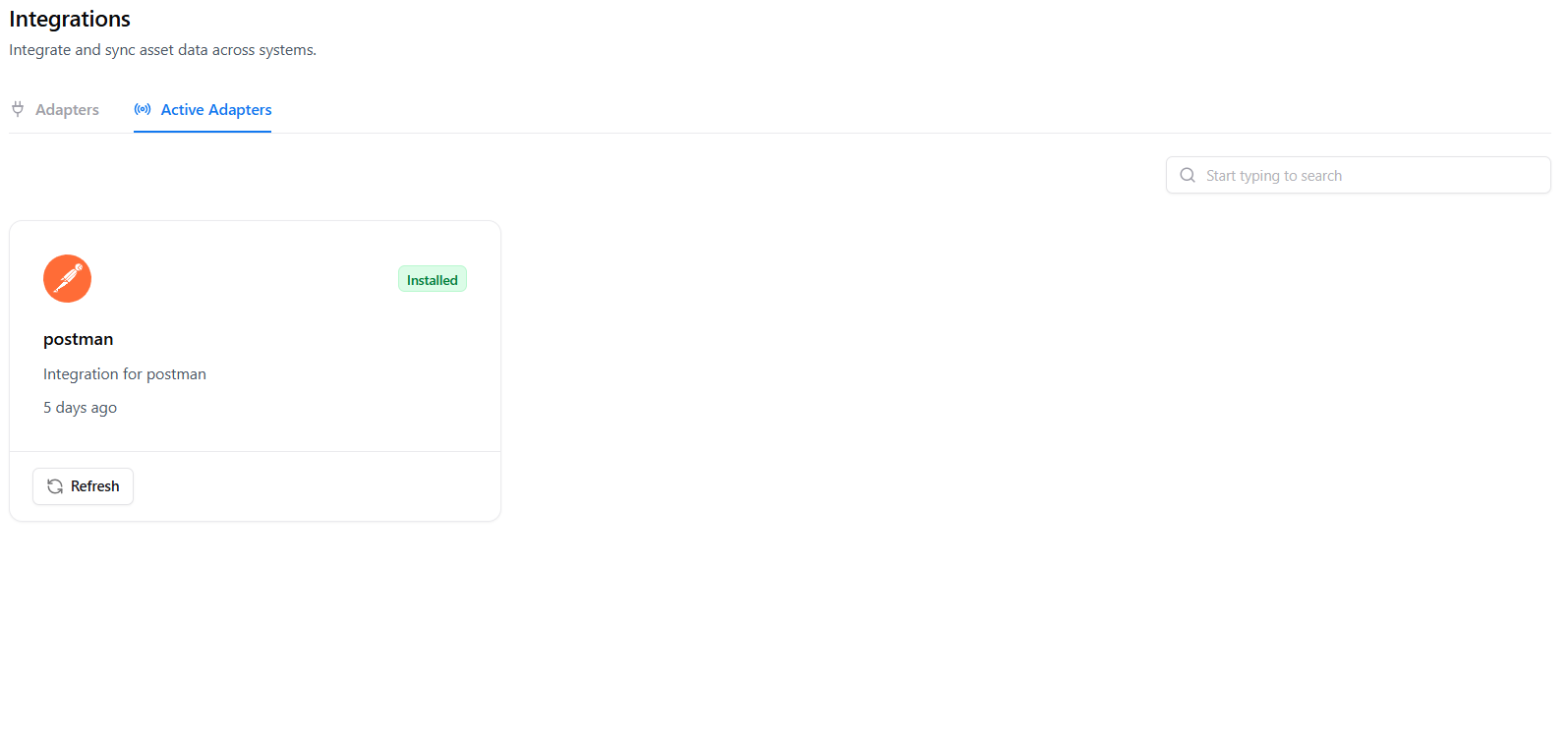
- Adapter Name
- Installation Status
- Last Sync Timestamp
- Actions (Refresh / Remove)
Installing an Adapter
1. Choose an Adapter
Navigate to the Adapters tab and select the integration you want to enable.
2. Install
Click Install to activate the connector and grant WAS permission to fetch APIs.
3. Sync API Data
WAS will immediately import your endpoints, requests, and metadata.
4. Start Using Data in WAS
Imported APIs flow into Requests, Projects, and Scans for security analysis.
When to Use Integrations
Centralize API Sources
Combine Postman collections, Swagger definitions, and manual requests into one security testing environment.
Automate API Onboarding
Reduce manual data entry by auto-syncing API updates from your development tools.
Keep WAS Continuously Updated
Ensure the scanner always targets the latest version of your APIs.
Accelerate Testing
Immediately scan newly imported APIs without configuring endpoints manually.
Explore Live Demo
Explore Snapsec Live — No Signup Needed
Jump straight into the live environment and see how Snapsec unifies asset intelligence, threat detection, and vulnerability tracking — all in one dashboard.