

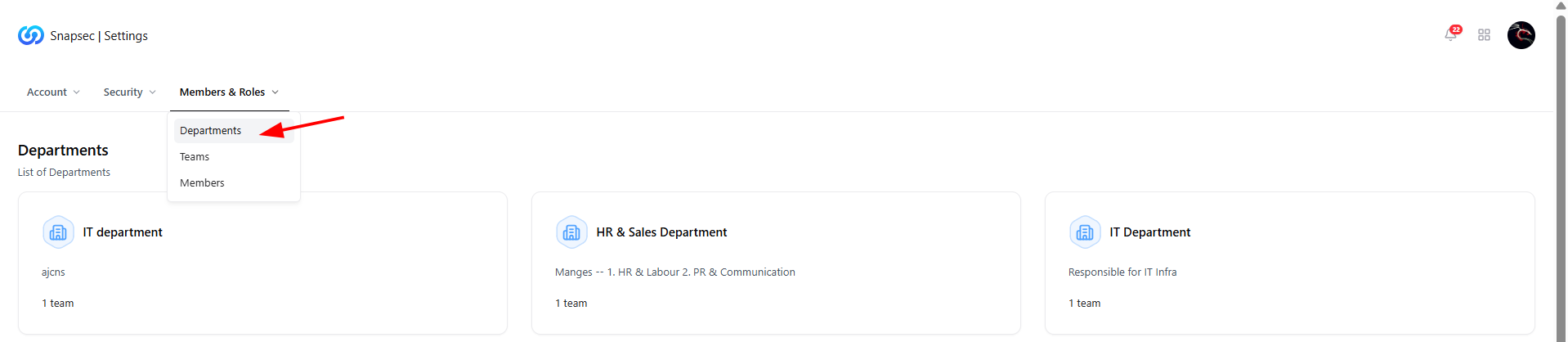
Departments overview under Members & Roles
Overview
The Departments module helps organizations structure users into logical business units such as IT, HR, Sales, or Engineering.Departments act as the top-level organizational layer, enabling better ownership, access control, reporting alignment, and team management across Snapsec. Each department can contain multiple teams, department leads, and members—allowing security operations to scale cleanly across large organizations.
Departments List
This view displays all existing departments within your organization.What You See Here
- Department Name — Logical business unit (e.g., IT Department).
- Description — Short context about the department’s responsibility.
- Team Count — Number of teams associated with the department.
- Quick Access — Click any department to view its internal structure.
Department FAQs
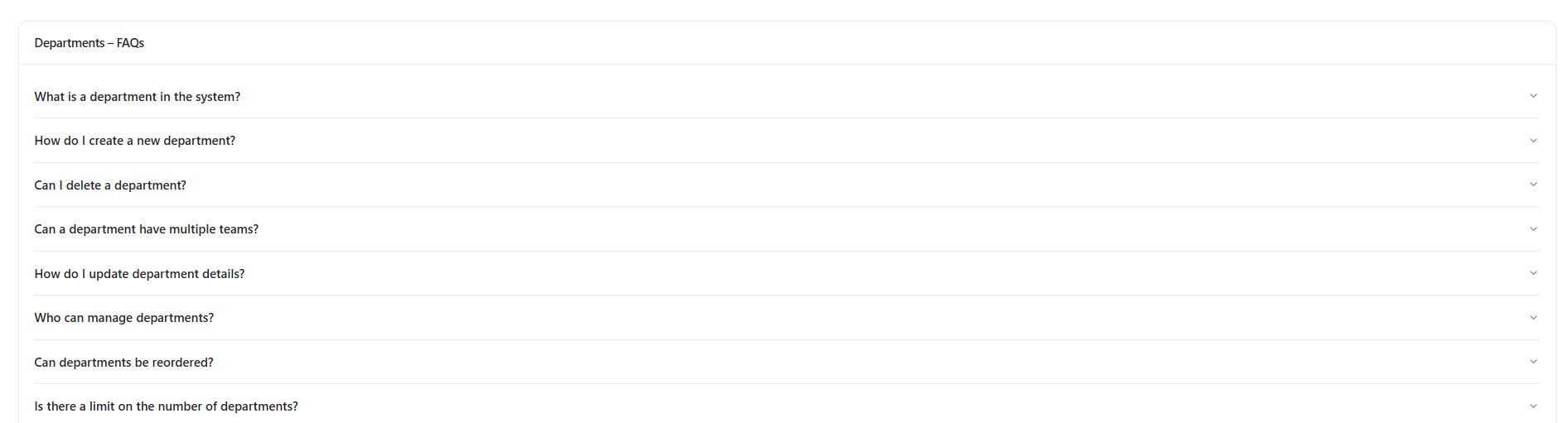
Department FAQs available on the Departments page
Covered Topics Include
- What a department represents in Snapsec
- How to create or delete departments
- Whether departments can contain multiple teams
- Who is allowed to manage departments
- Limits on the number of departments
Inside a Department
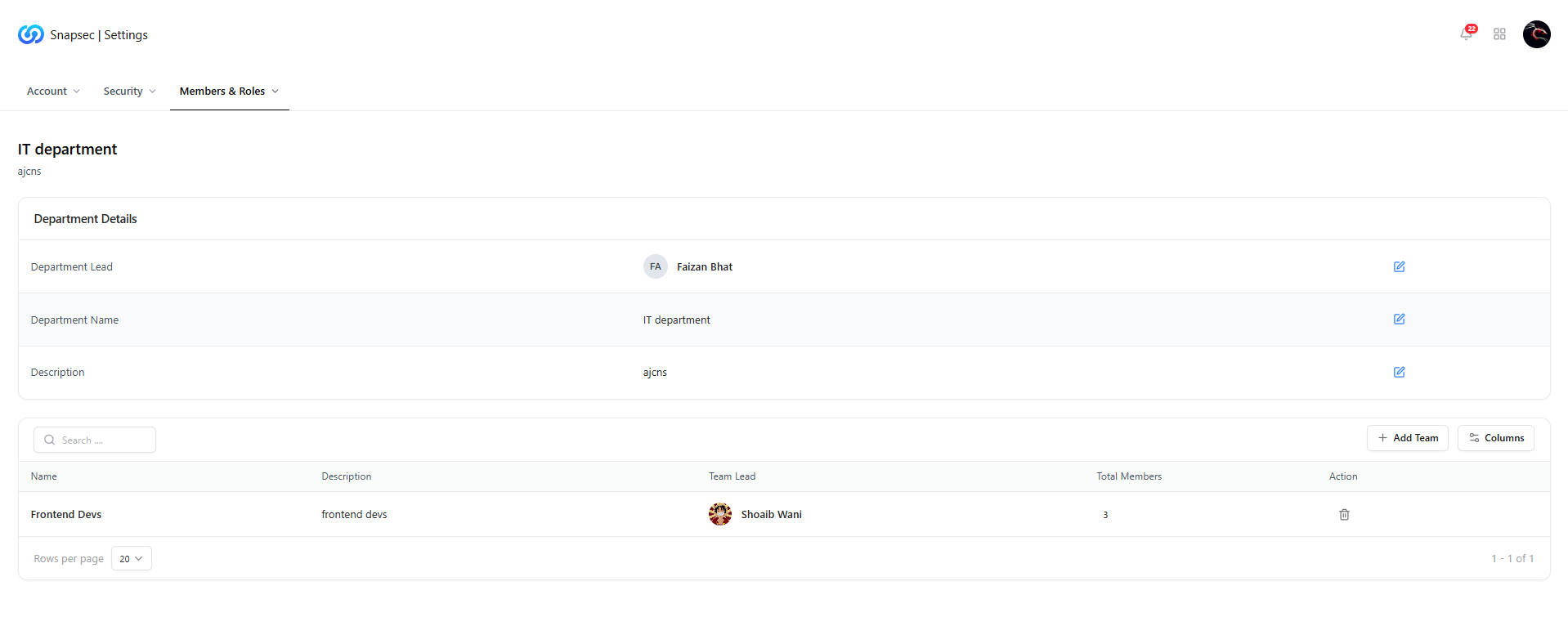
Inside a department showing details and associated teams
Department Details
- Department Lead — Primary owner responsible for the department.
- Department Name — Editable name of the department.
- Description — Functional summary of the department’s role.
Teams Within a Department
Below the department details, you’ll find the Teams table, listing all teams mapped to this department.Team Information Includes
- Team Name
- Team Description
- Team Lead
- Total Members
- Actions — Remove or manage teams
Adding a Team to a Department

Add Team action within a department
Use Cases
- Expanding department responsibilities
- Reorganizing teams after internal changes
- Aligning teams with reporting or access boundaries
Update Department Teams

Update Department Teams modal
What You Can Do
- Add multiple teams to a department
- Remove teams that no longer belong
- Update mappings without affecting team members directly
Why This Matters
Departments provide the foundation for structured access control and accountability inside Snapsec.- Enables clean separation of responsibilities
- Improves ownership for vulnerabilities and assessments
- Aligns security workflows with real-world org structures
- Scales seamlessly as teams and users grow
Explore Live Demo
Explore Snapsec Live — No Signup Needed
Experience how Snapsec organizes departments, teams, and users to deliver scalable security governance.