

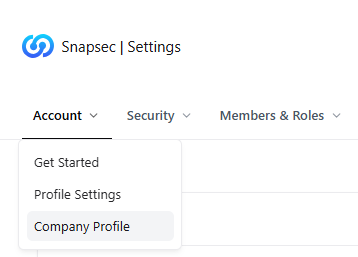
Company Profile entry under Account settings
Overview
The Company Profile section defines your organization’s identity inside Snapsec.It acts as the authoritative source for company-level information that appears across reports, dashboards, exports, and shared assets. This configuration ensures that every security artifact generated from Snapsec—whether internal or external—correctly represents your organization with consistent metadata and branding.
Company Profile Details
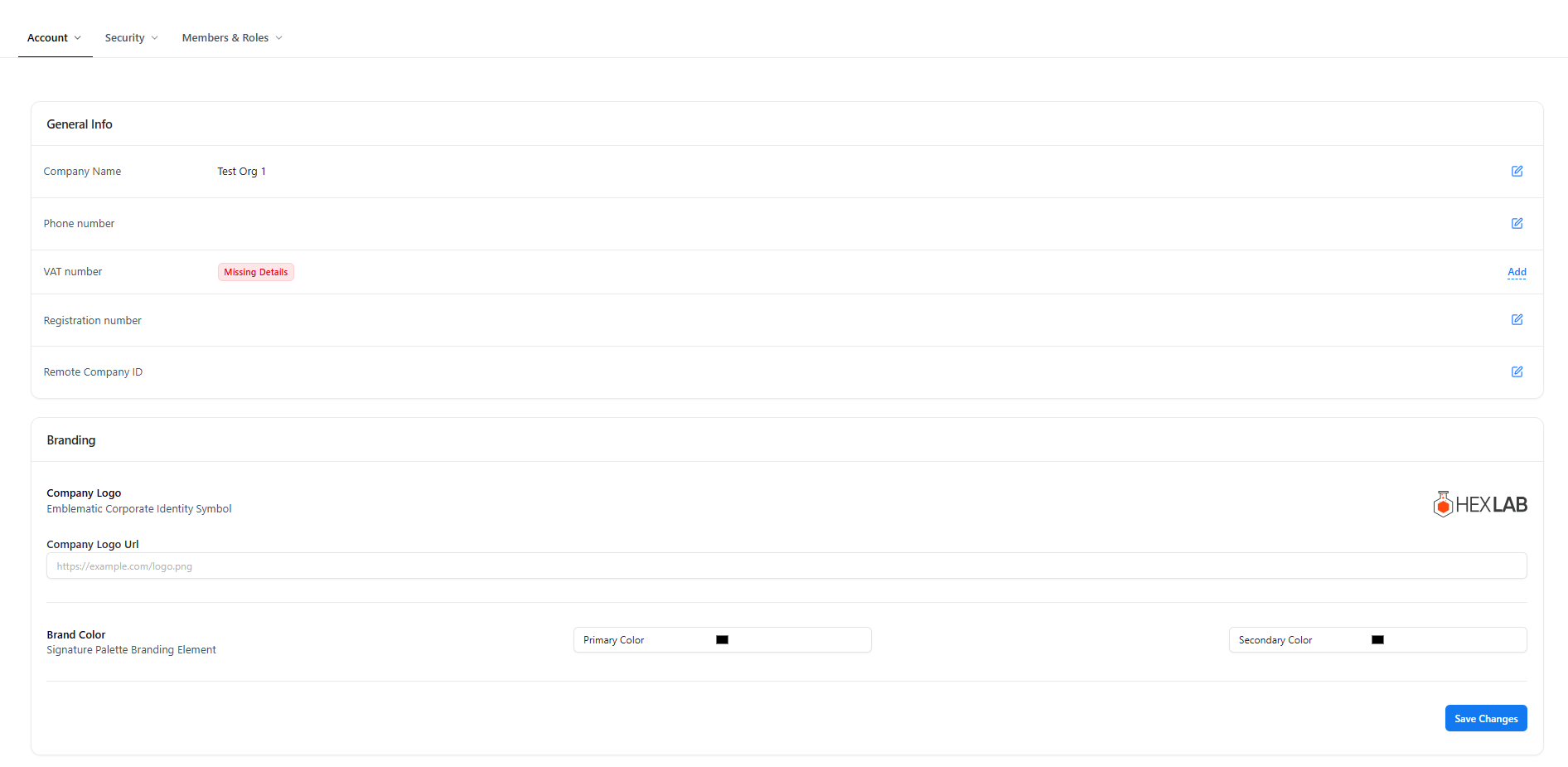
Company Profile configuration with general information and branding
General Information
This section captures core organizational identifiers used for governance, reporting, and compliance. Fields included:- Company Name — Official organization name displayed across the platform.
- Phone Number — Primary contact reference for administrative or audit purposes.
- VAT Number — Tax identifier used for billing and regulatory documentation.
- Registration Number — Legal business registration reference.
- Remote Company ID — Internal or external identifier used for integrations or enterprise mappings.
Branding
Branding settings control how your organization is visually represented across Snapsec-generated content. Branding options include:- Company Logo — Displays your corporate logo across dashboards and reports.
- Company Logo URL — External reference for hosted logo assets.
- Primary Brand Color — Main accent color used across UI elements and documents.
- Secondary Brand Color — Supporting color for visual consistency.
Why This Matters
- Consistent identity across reports, dashboards, and exports
- Professional, branded reporting for clients and executives
- Accurate organizational metadata for compliance and audits
- Centralized control over company-wide presentation
Explore Live Demo
Explore Snapsec Live — No Signup Needed
Experience how Snapsec applies organization-wide settings across security workflows in real time.