

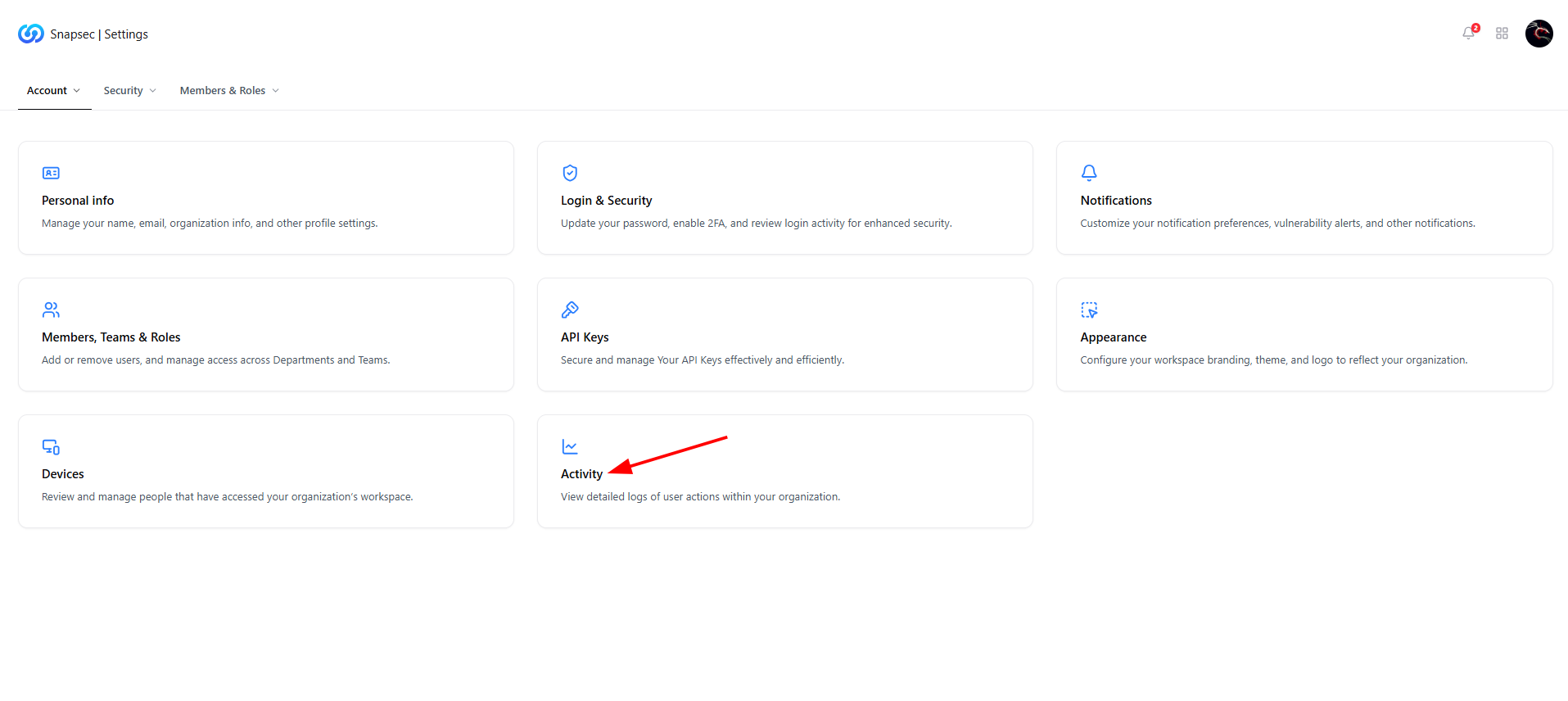
Security section entry point inside Settings
Overview
The Security section provides visibility and control over how users access your Snapsec workspace.It is designed to help organizations monitor login activity, identify suspicious behavior, and maintain a complete audit trail of security-relevant actions. This section answers three critical questions:
- Who is accessing the workspace?
- From which devices and locations?
- What actions are being performed?
Current Sessions
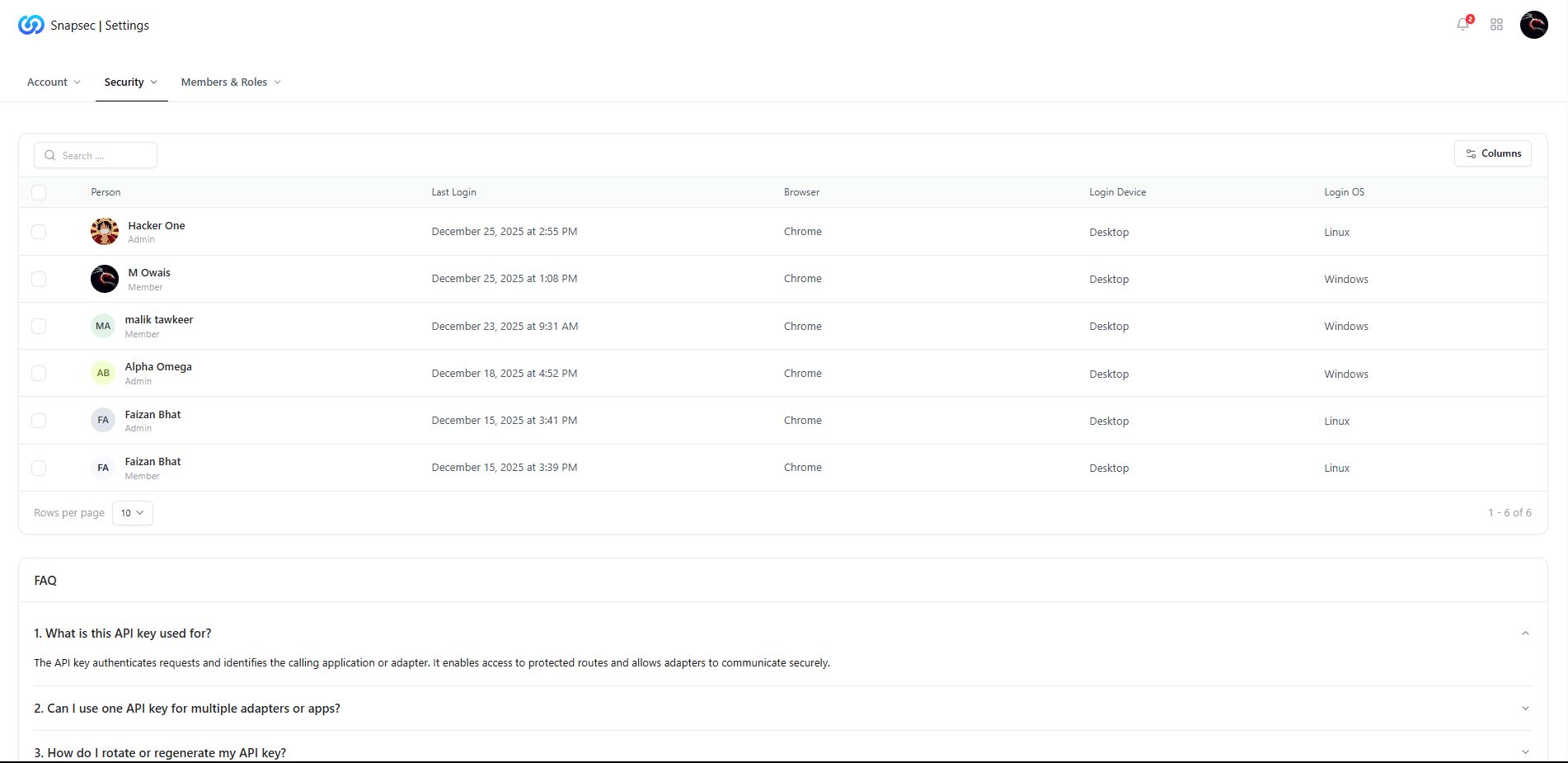
Current user sessions across the organization
What You Can See
- User identity — name and role (Admin / Member)
- Last login time — when the session was initiated
- Browser & OS — Chrome, Firefox, Windows, Linux, etc.
- Login device — Desktop or other device types
- Unexpected logins
- Duplicate or concurrent sessions
- Access from unfamiliar platforms
Device Security

Device access and login history
Why This Matters
- Helps detect compromised or shared credentials
- Identifies stale or unused access paths
- Supports device-level access reviews during audits
Security Logs
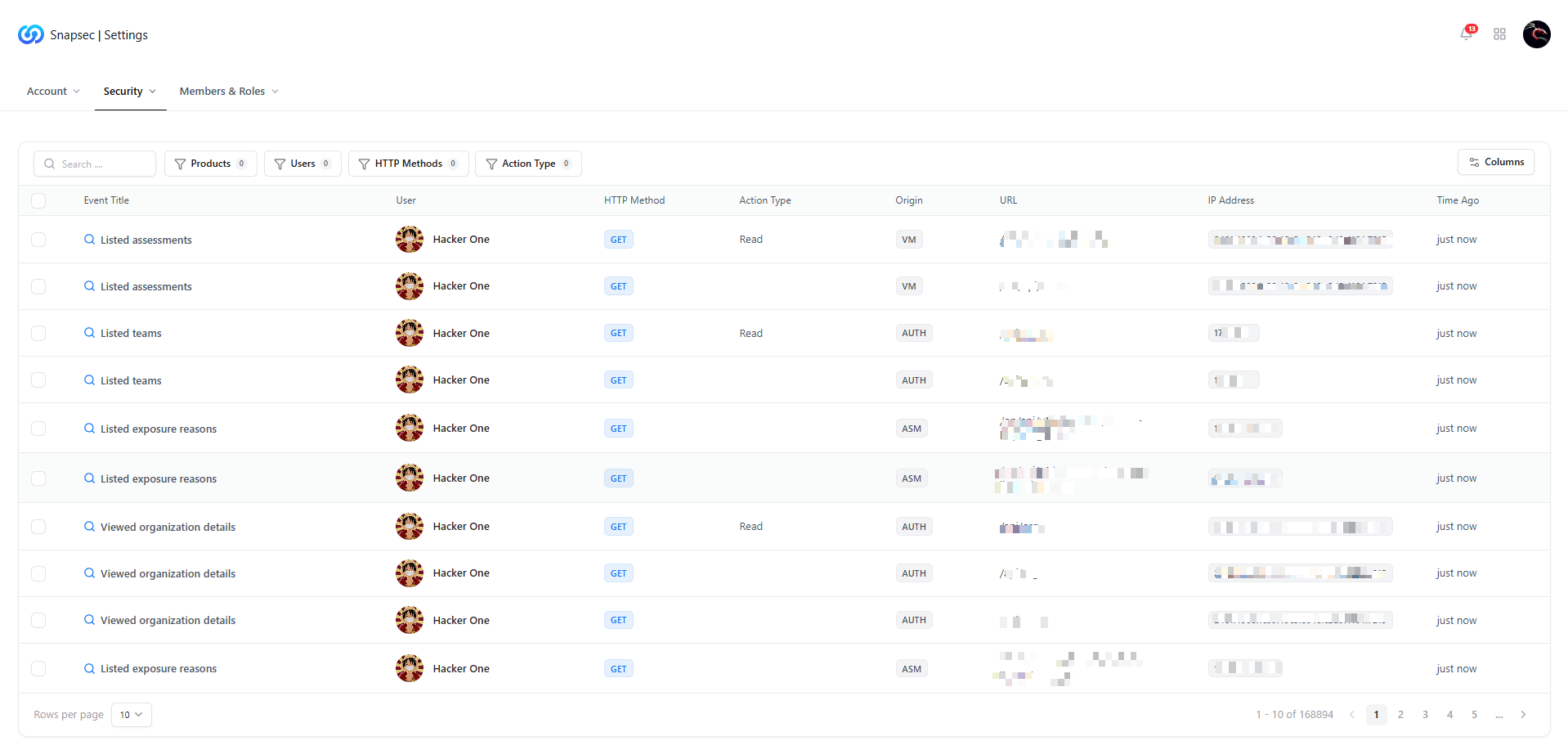
Detailed security and activity logs
Logged Information Includes
- Event title — what action occurred
- User — who performed the action
- HTTP method — GET, POST, PUT, etc.
- Action type — read, write, update
- Origin & URL — API or UI source
- IP address — source of the request
- Timestamp — exact time of activity
- Incident investigations
- Compliance and audit reviews
- Detecting misuse or abnormal behavior
FAQs
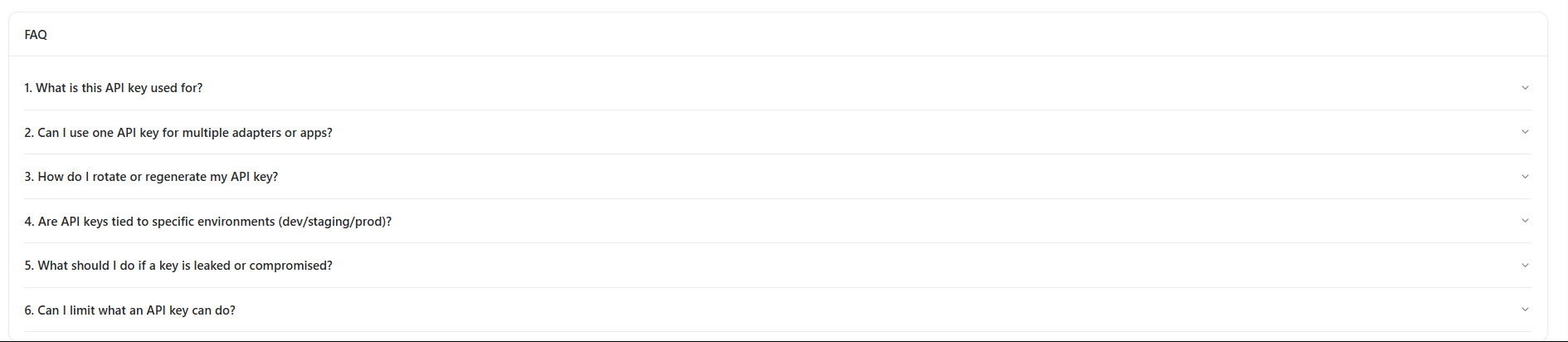
Frequently asked questions related to security and access
1. What is this API key used for?
API keys authenticate requests and identify calling applications or adapters.They allow secure access to protected routes and integrations.
2. Can I use one API key for multiple adapters or apps?
Yes, a single API key can be reused across multiple adapters unless restricted by policy.3. How do I rotate or regenerate my API key?
API keys can be regenerated from the API Keys section.Rotating keys regularly is recommended for security hygiene.
4. Are API keys tied to specific environments (dev/staging/prod)?
Keys can be scoped or labeled per environment depending on your internal access strategy.5. What should I do if a key is leaked or compromised?
Immediately rotate the key and review security logs to identify any unauthorized usage.6. Can I limit what an API key can do?
Yes. Permissions and scopes can be applied to restrict access to only required actions.Why This Matters
Security is not just about prevention — it is about visibility and traceability. By combining session monitoring, device awareness, and detailed logs, Snapsec enables organizations to:- Detect suspicious access early
- Enforce accountability across teams
- Maintain compliance with security and audit standards
- Respond faster during security incidents
Explore Live Demo
Explore Snapsec Live — No Signup Needed
Jump straight into the live environment and see how Snapsec unifies access control, activity logging, and security visibility — all from a single dashboard.