

Overview
The Export feature in Asset Intelligence Management (AIM) allows you to extract your entire asset inventory or specific asset categories into a downloadable file format like CSV.Exports help with offline audits, data sharing, and integration with BI or reporting tools.
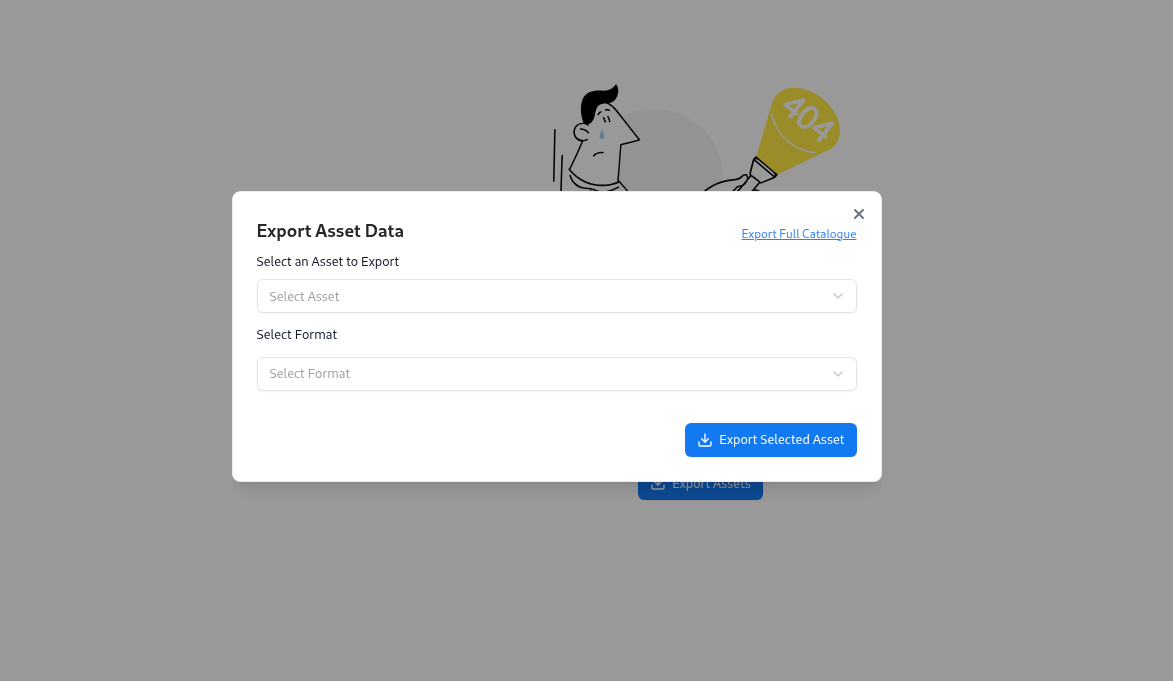
Export Options
AIM offers two modes of export:Export Full Catalogue
Download a complete export of all assets across categories — ideal for backups, offline analysis, and compliance archives.
Export Specific Assets
Choose an asset type (e.g., API, DNS, IP, Repository) and format to export only the relevant dataset.
How to Export Data
Select Export Mode
Click Export Full Catalogue to download the entire inventory, or proceed to select asset types manually.
Choose Asset Type
Use the dropdown to pick specific categories like API, DNS, Employee, IP, or Certificate.
Select Format
Currently, CSV is supported, making it easy to import into Excel, Google Sheets, or Power BI.
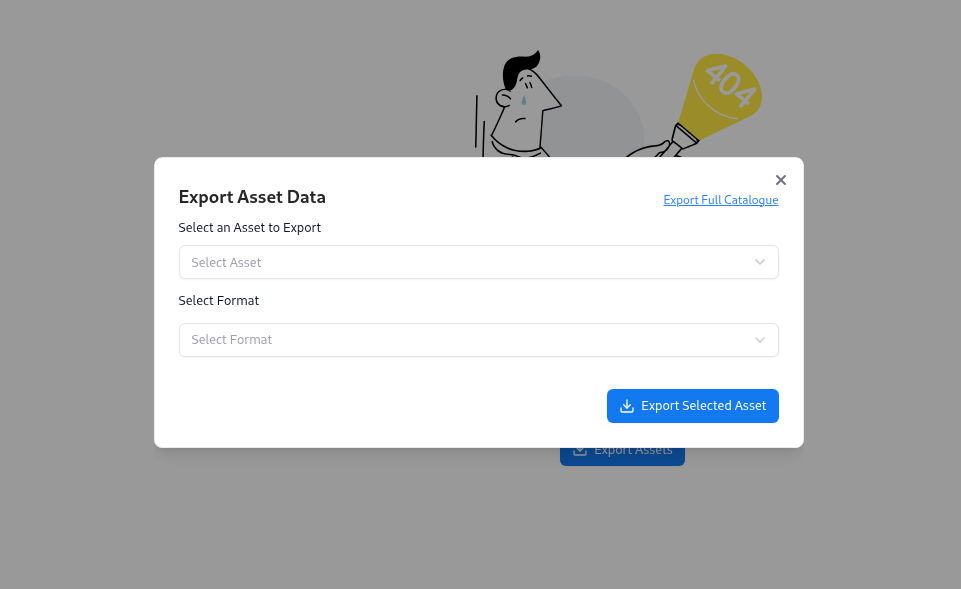
Output Example
After export, you’ll receive a CSV file containing detailed asset information, including:- Asset name or domain
- Associated risk score
- Number of vulnerabilities
- Tags and source adapter
- Discovery timestamps

Example columns:
- Subdomain – Asset identifier
- NoOfVuln – Vulnerability count
- Risk – Auto-calculated risk score
- Found On – Date and time of asset discovery
Best Practices
- Regularly export your full catalog for archival and compliance reviews.
- Combine exports with filters in the Global Catalog for focused reports.
- Use spreadsheet tools to create pivot tables, track trends, and share progress with teams.
Explore Live Demo
Explore AIM Live — No Signup Needed
Instantly explore how Snapsec AIM discovers, enriches, and tracks every asset in real time — all without creating an account.