Employee Inventory Overview


Overview

The Employee Catalog aggregates all employee-linked identities discovered from CSV imports, HR systems, SSO platforms, and external vendors. Each employee record contains:
  • Email identity
  • Associated vendor/platform
  • Login activity timelines
  • Internal vs. external classification
  • Exposure and risk scoring
  • Asset associations across your organization
This enables security teams to track identity drift, unused accounts, shadow employee identities, and stale vendor accounts.

Key Metrics & Analytics

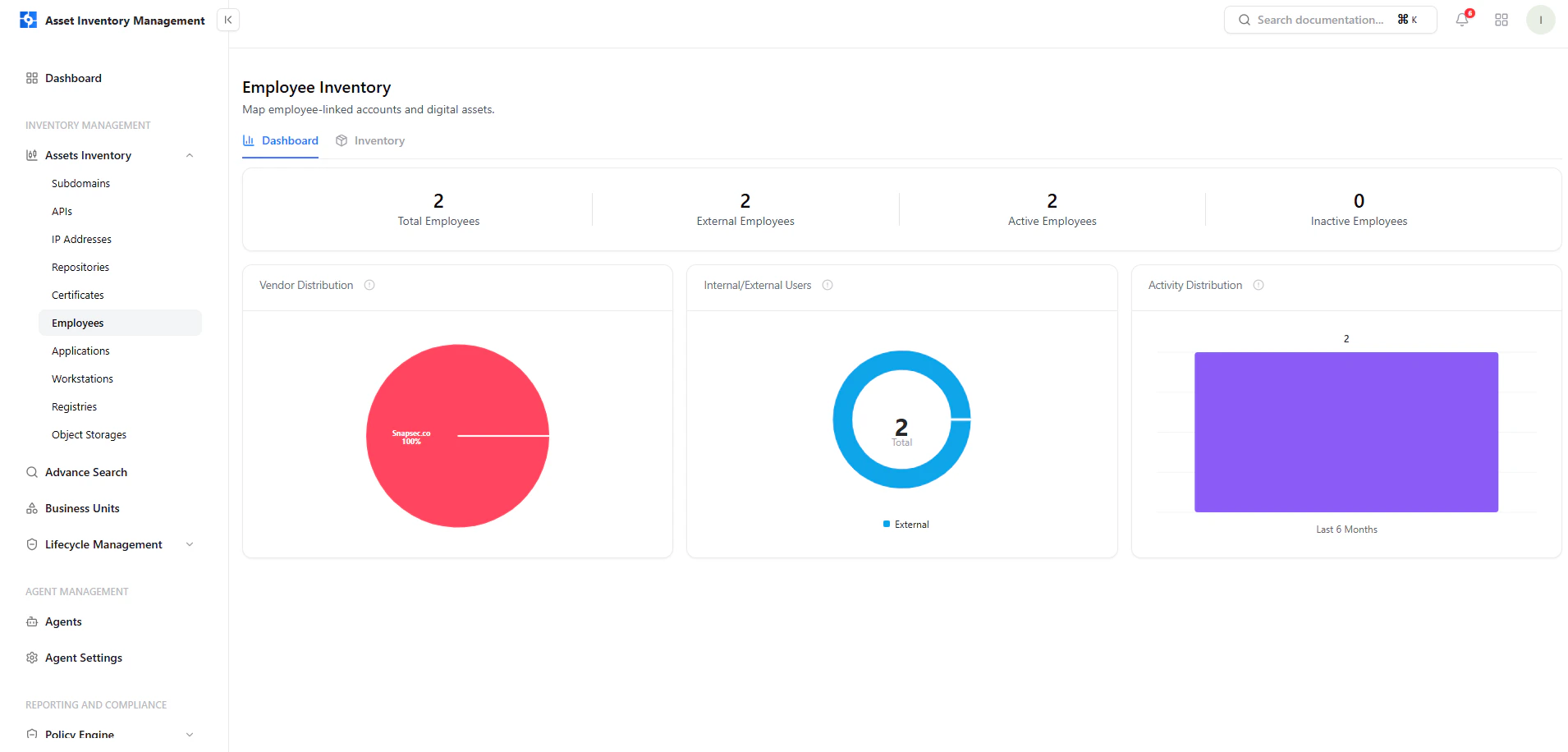
Total Employees

Shows the total number of employees with active or historical accounts.

Internal vs External

Tracks whether an identity is internal (organization-managed) or external (vendor, contractor, or partner).

Vendor Distribution

Visualizes which vendors (e.g., Gmail, Outlook, GitHub) employees are associated with.

Vendor Distribution

Employee Vendor Breakdown

This pie chart helps visualize where employee-linked accounts originate from — such as:
  • Corporate domains
  • External providers
  • SaaS platforms
  • Partner organizations

User Activity

Employee Login Activity

AIM tracks account activity by:
  • Last login
  • Monthly usage trends
  • Inactive or long-dormant accounts
This helps teams identify:
  • Accounts that should be disabled
  • Unused or orphaned vendor identities
  • Potential abandoned access points

Internal & External User Breakdown

Internal vs External Distribution

Employees are classified as:
  • Internal — company-managed email/domain
  • External — contractors, freelancers, partners, or vendor-associated accounts
This ensures accurate access governance.

Search, Filters & Sorting

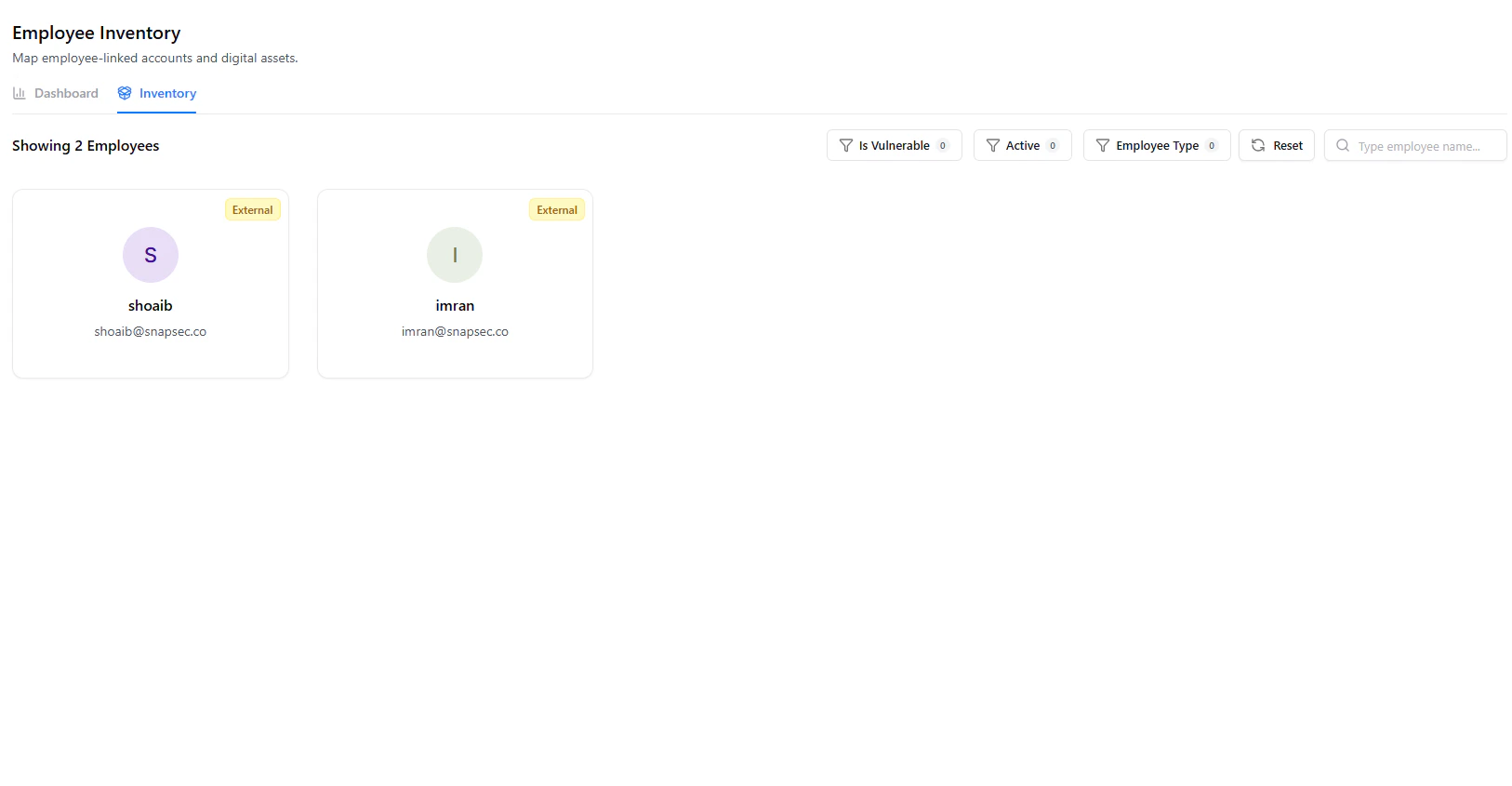
A powerful filtering system allows analysts to quickly identify risky or unused identities.

Available Filters

FilterDescription
TypeInternal or external identities
Last SeenFilters based on last login or activity
VendorsEmail provider or authentication source
RiskAuto-generated risk score
TagsAssigned metadata or labels
Filters can be combined for deeper identity investigations.

Employee Table Columns

ColumnDescription
Asset ValueEmployee email or identity
SourceCSV, SSO, HR system, or vendor
Vuln CountNumber of vulnerabilities or issues tied to this identity
Auto RiskAutomated risk score
OwnerAccount owner or responsible manager
TagsLabels such as employee, external, vendor
AssociationsLinked assets such as domains, IPs, or repositories
Detected OnFirst and most recent discovery timestamps

Employee Full View

Each employee record allows full lifecycle inspection.

Employee Full View

Details Included

  • Identity information
  • Exposure risk
  • Vendor/platform association
  • Detection timeline
  • Activity history
  • Asset associations

Ownership & Lifecycle Controls

Each employee identity supports the following actions:
  • Assign Owner – designate who manages this identity
  • Deactivate Identity – mark the user account as inactive
  • Delete Identity – permanently remove deprecated or irrelevant entries
All lifecycle updates sync across AIM and other connected modules.

How Employees Are Discovered

AIM discovers employee identities using:
  • CSV imports
  • SSO / IAM platforms
  • Vendor identity integrations
  • ASM or VM adapters
  • Email domain enumeration
This ensures up-to-date identity tracking.

Example Use Cases

Identity Governance

Detect stale or inactive employee accounts that require offboarding.

Access Review

Validate which identities still have access to sensitive systems.

Vendor Account Tracking

Monitor external accounts used across SaaS and third-party platforms.

Incident Response

Investigate compromised employee accounts or suspicious access activity.

Explore Live Demo

Explore AIM Live — No Signup Needed

Instantly explore how Snapsec AIM discovers, enriches, and tracks every asset in real time — all without creating an account.