

Overview
The Members section is where you control who has access to your platform and what they can do. It covers:- Member management
- Role-based access control
- Quick account creation
- Invitations (email + link)
- Activity visibility
Members List
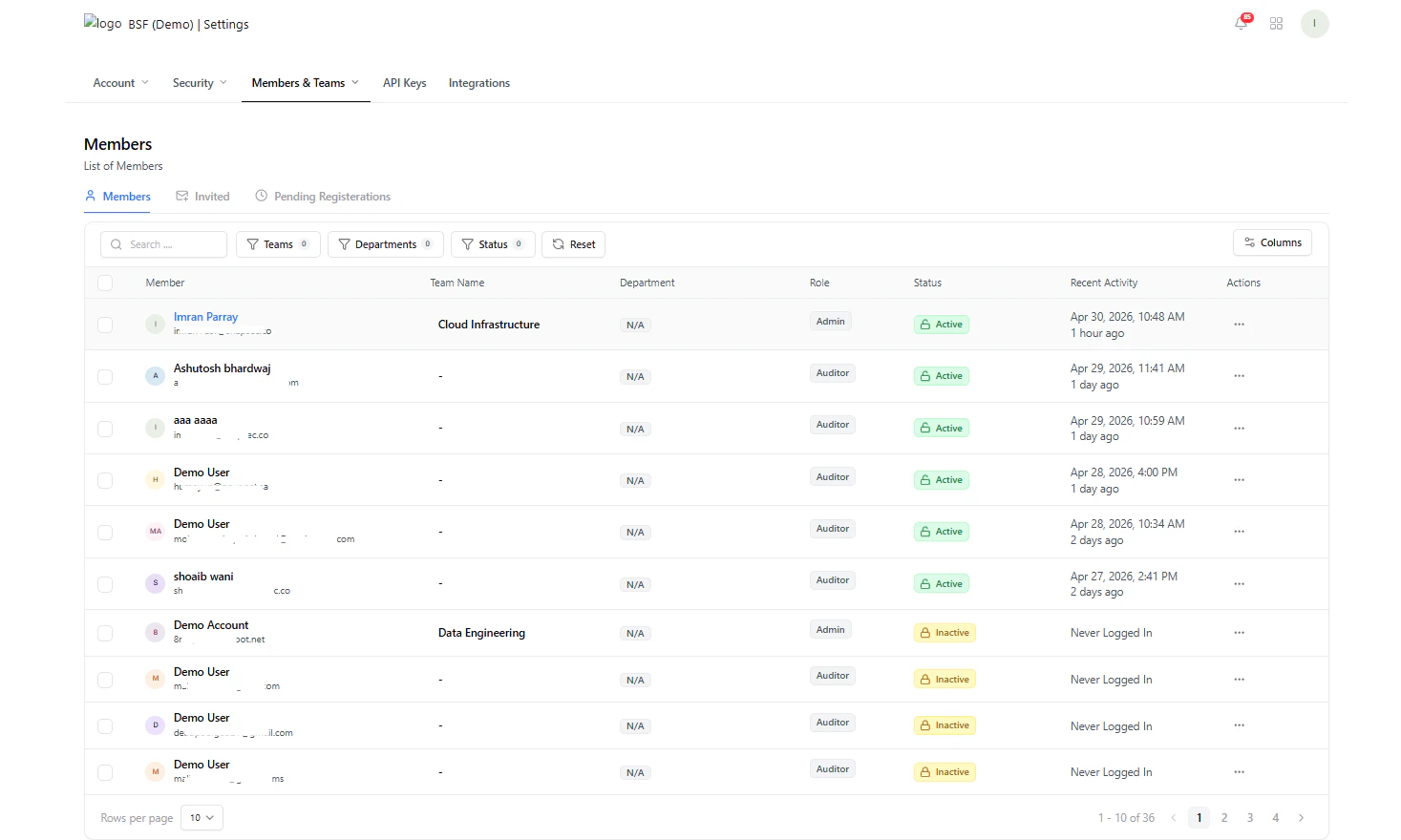
View and manage all members
What You Can Do
- View all members and their roles
- Track status (Active / Inactive)
- See recent activity
- Access quick actions
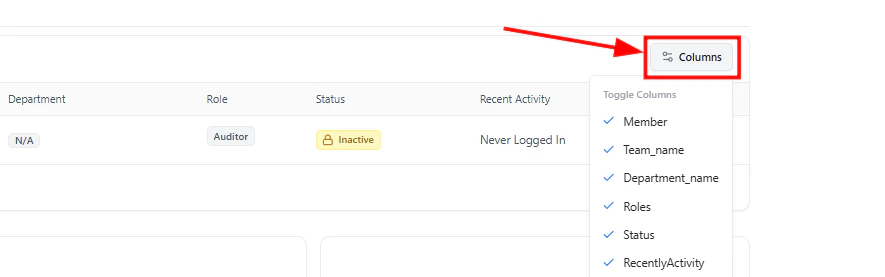
Column Customization
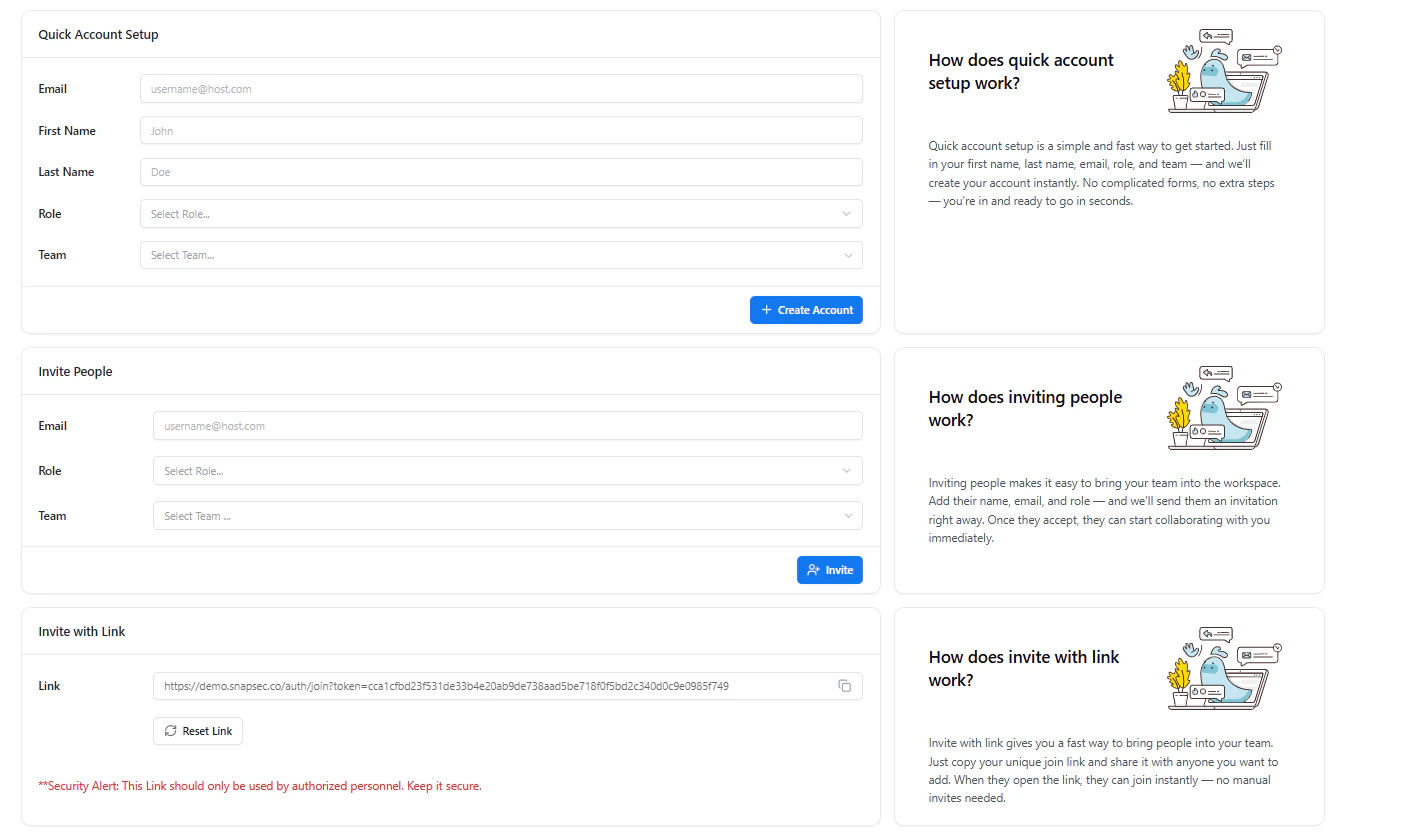
Customize visible columns
- Member
- Team
- Department
- Role
- Status
- Recent Activity
Roles & Access Control
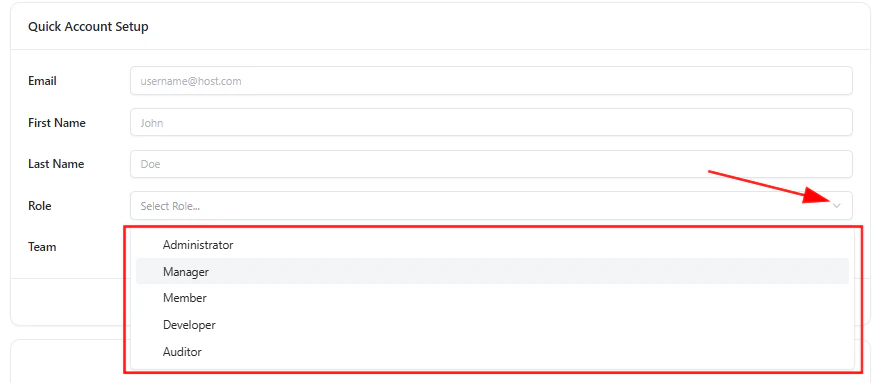
Select roles while creating or editing users
Role Definitions
-
Administrator
Full control over the platform, including users, settings, and all modules -
Manager
Can manage vulnerabilities, workflows, and team-level operations -
Member
Standard user with access to assigned tasks and resources -
Developer
Focused access for fixing vulnerabilities and working on technical items -
Auditor
Read-only access for reviewing reports, findings, and compliance
Quick Account Setup
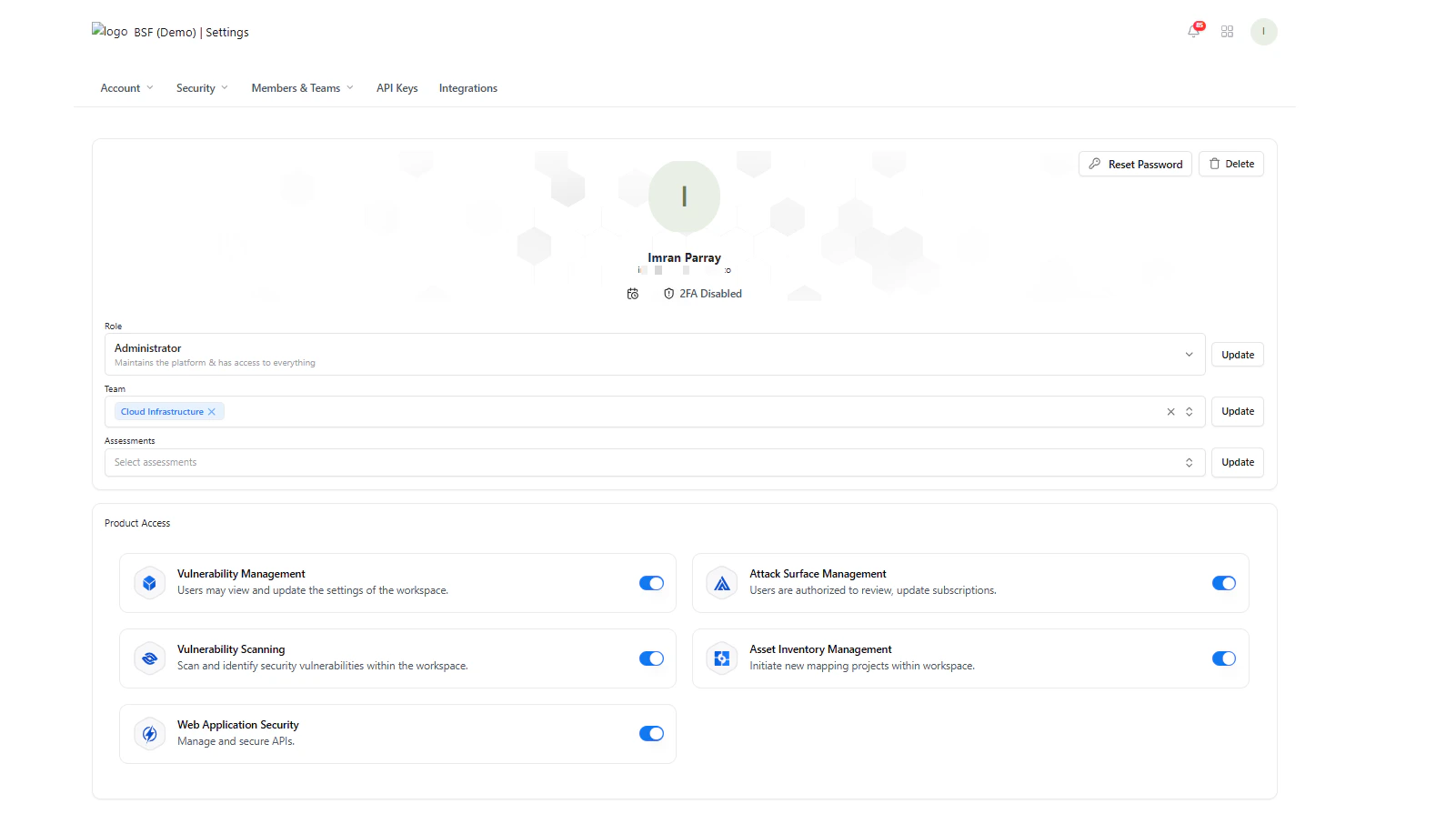
Create accounts instantly
- Name
- Role
- Team
Invite Members
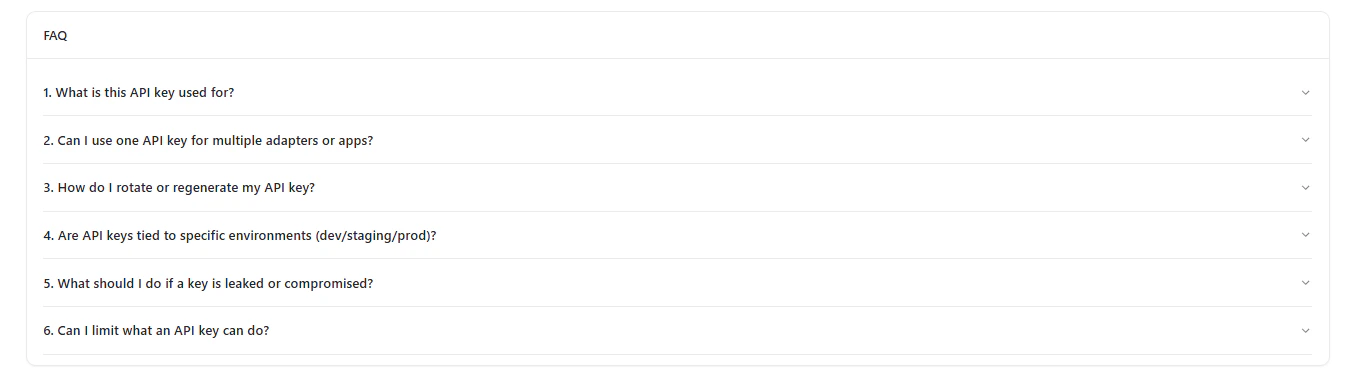
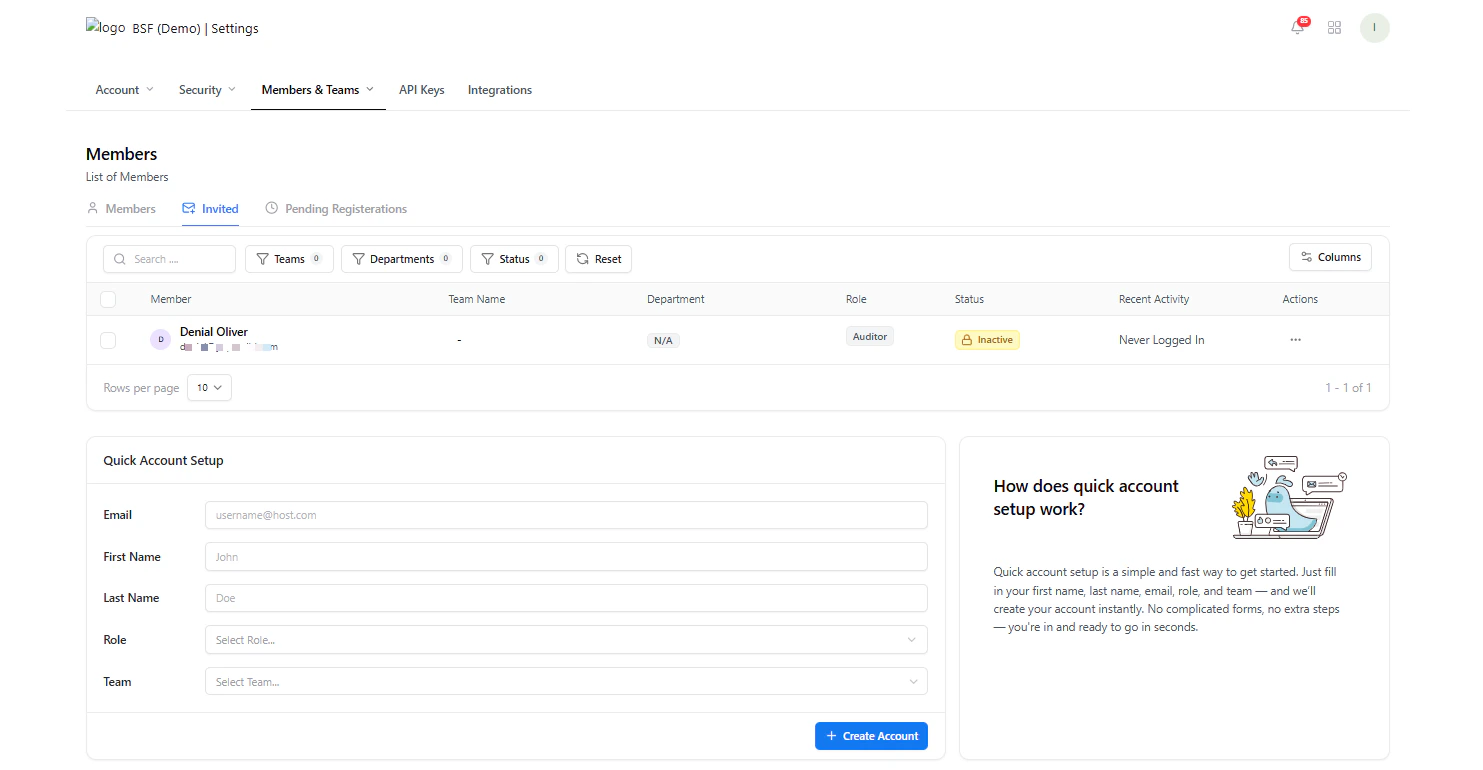
Invite users via email
- Enter email
- Assign role
- Assign team
- Click Invite
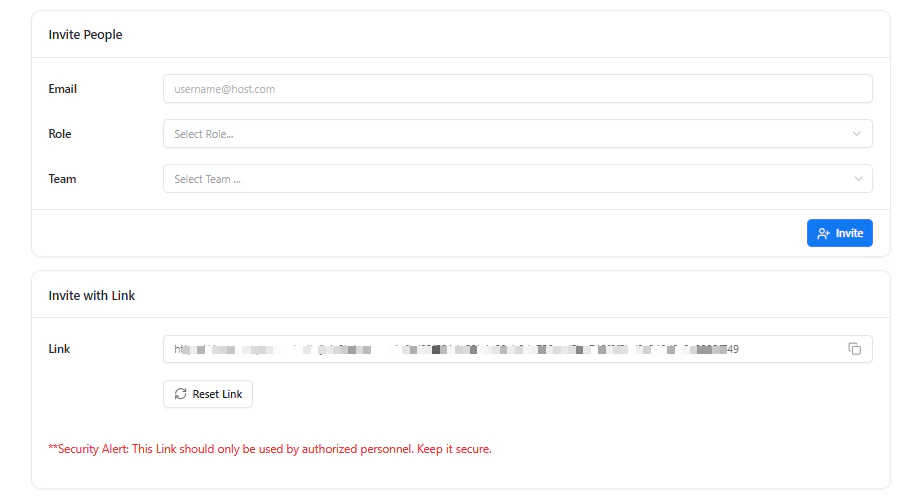
Invite via Link
Invite users using a secure link
- Generate a unique invite link
- Share it with your team
- Users can join instantly
Invited Members
Track invited users
- See pending invites
- Track status
- Manage access before acceptance
Invite Workflow Overview
Invitation flow and usage
Pending Registrations
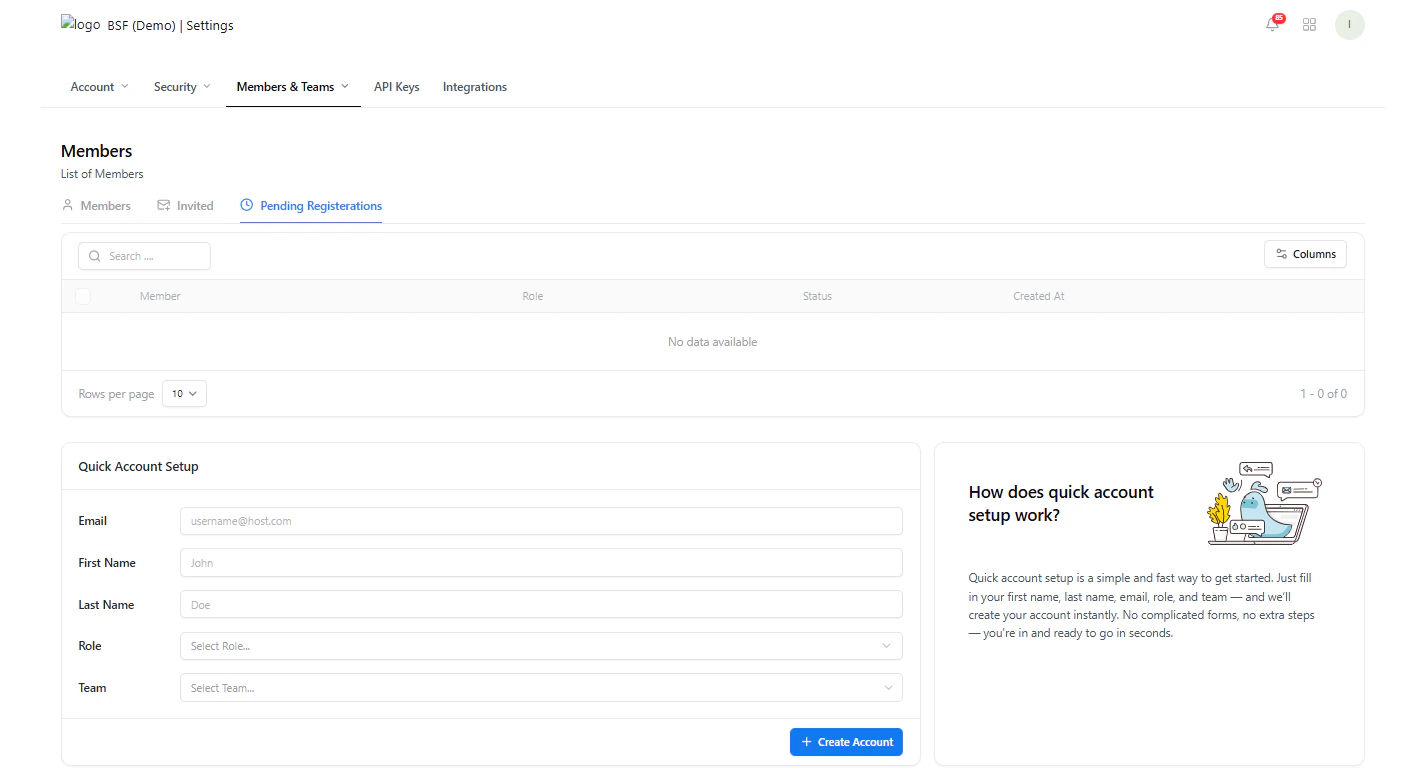
Users who have not completed onboarding
- Haven’t completed signup
- Haven’t activated their account
Pending Registration Details
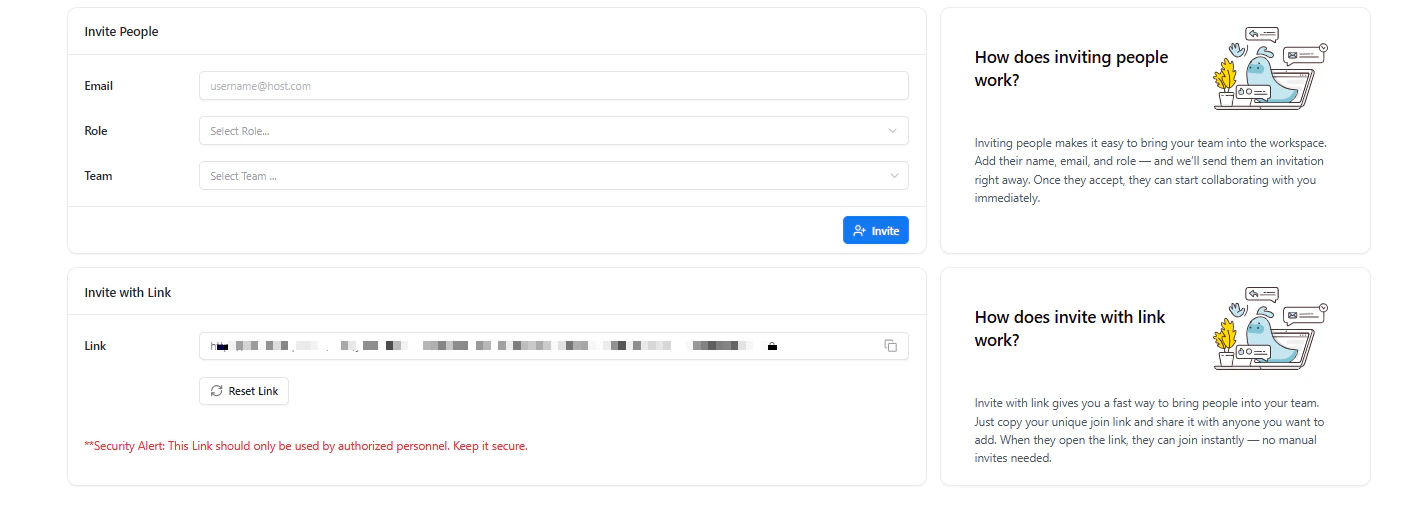
Pending user state and details
- Following up with users
- Cleaning inactive invites
Edit Member
Manage roles, teams, and access
- Role
- Team
- Assigned modules
- Product access
Remove Member
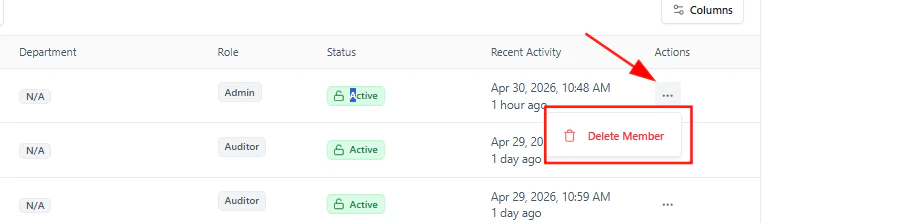
Delete a member from the platform
- Immediately revokes access
- Removes them from all assigned resources
Product Access Control
Each member can have access to specific modules:- Vulnerability Management
- Vulnerability Scanning
- Web Application Security
- Asset Inventory
- Attack Surface Management
Key Value
- Centralized user control
- Clear role-based access
- Flexible onboarding (instant + invite)
- Secure collaboration across teams
Explore Live Demo
Explore Snapsec APIs in Action
Experience how Snapsec API keys power secure integrations, automation, and scalable security workflows—no signup required.