

Business Units Overview
The Business Units dashboard provides a high-level view of how vulnerabilities and assessments are distributed across organizational teams. Each card represents a business function or team, enabling clear ownership, accountability, and risk visibility.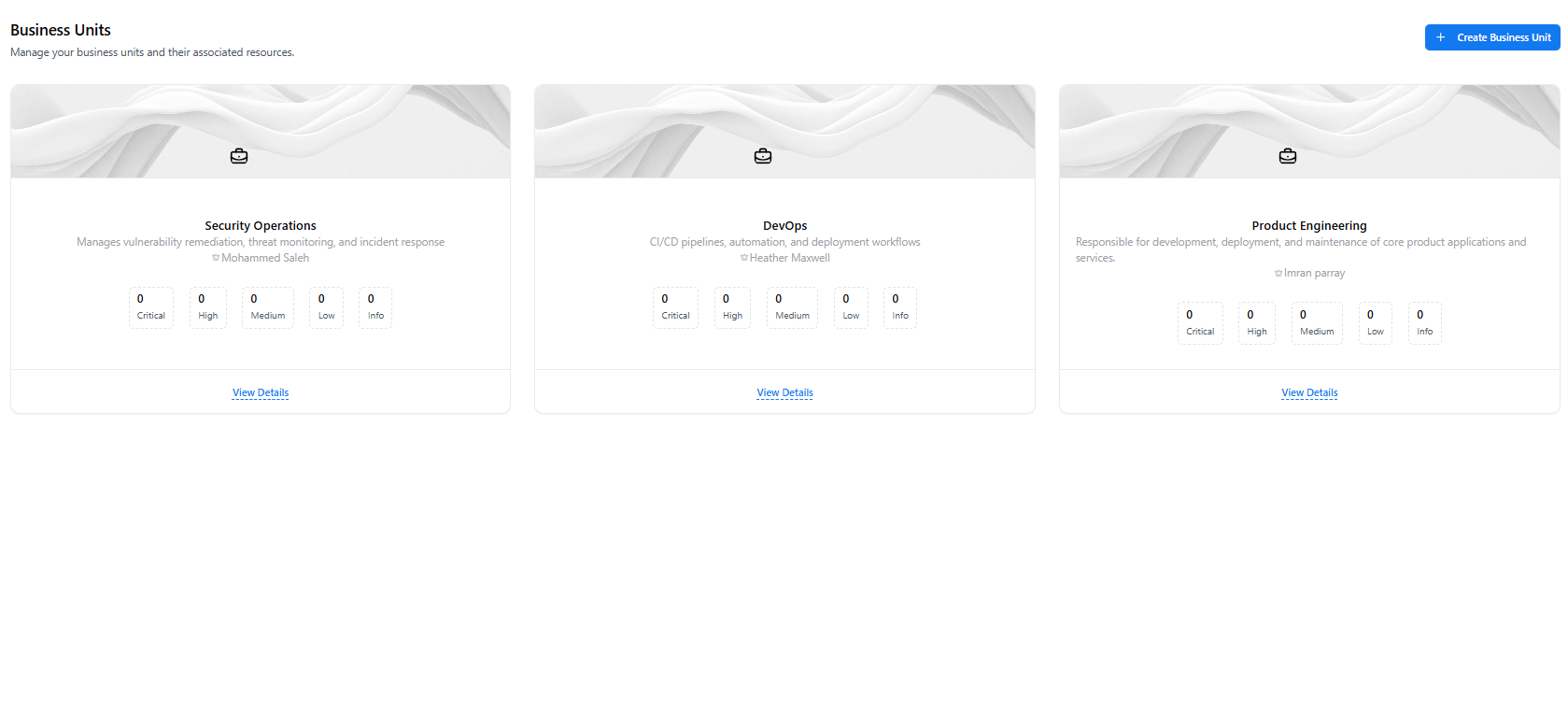
Business Units Overview
What You Can See
- Business unit name and description
- Assigned owner or responsible lead
- Vulnerability counts by severity (Critical → Info)
- Quick access to detailed unit-level security metrics
Create a Business Unit
Business units can be created to align vulnerability ownership with real-world organizational structure.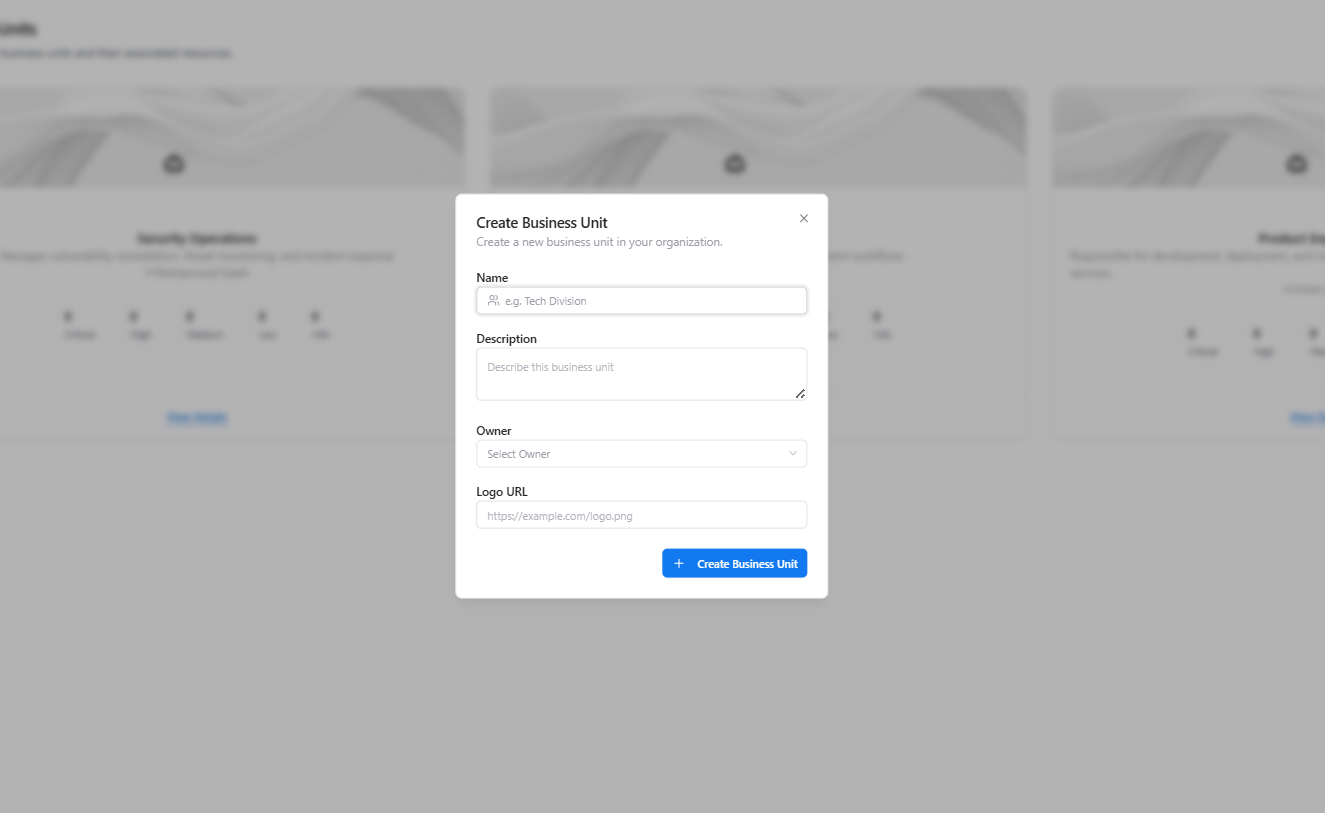
Create Business Unit
Fields Required
- Name — Business unit identifier (e.g., Security Operations, DevOps, Product Engineering)
- Description — Scope and responsibility of the unit
- Owner — Accountable individual or team
- Logo URL (optional) — Visual identifier
- Vulnerabilities
- Assessments
- Assets involved in remediation workflows
Business Unit Details (Inside a Business Unit)
Selecting View Details opens the dedicated business unit page with consolidated vulnerability metrics.
Business Unit Summary View
Summary Metrics Include
- Total Vulnerabilities
- Total Assessments
- Open Vulnerabilities
- Closed Vulnerabilities
- Average CVSS Score
Security Analytics & Associated Assessments
Scrolling further reveals deeper vulnerability analytics and assessment relationships for the selected business unit.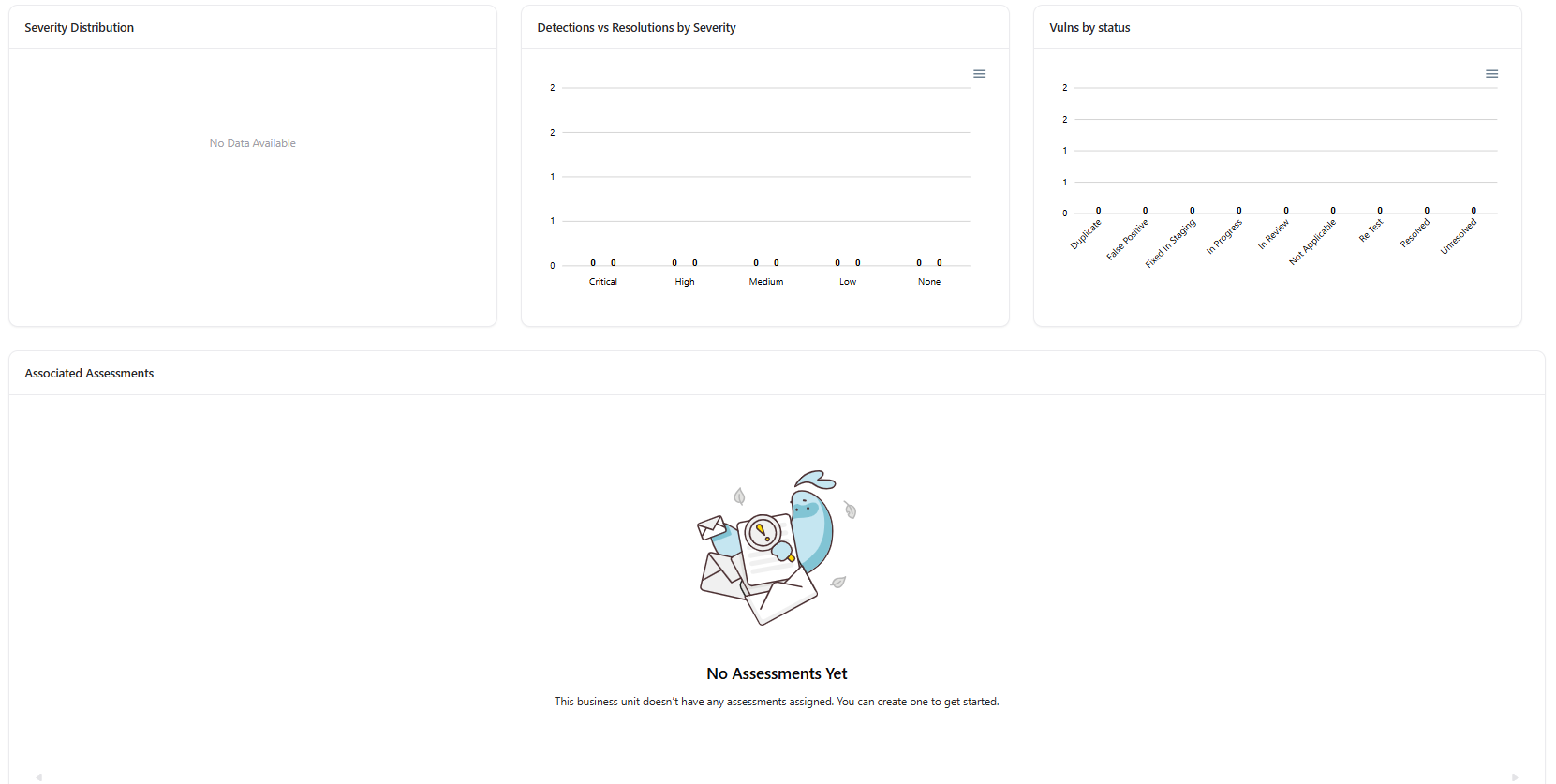
Business Unit Analytics & Assessments
Available Insights
- Vulnerability Timeline — Track detections over time
- Severity Distribution — Critical, High, Medium, Low breakdown
- Detections vs Resolutions — Measure remediation effectiveness
- Vulnerabilities by Status — In Progress, Fixed, Resolved, etc.
- Associated Assessments — Security assessments linked to the unit
Example Use Cases
- Security Operations: Track remediation progress by team ownership
- Engineering Managers: Understand vulnerability impact on their teams
- Compliance Teams: Ensure every assessment and finding has a clear owner
- Leadership: Gain visibility into organizational security maturity
Explore Live Demo
Explore VM Live — No Signup Needed
Explore how Snapsec VM organizes vulnerabilities and assessments by business unit ownership — all without creating an account.