

Overview
The Applications module is the control center for managing web applications within the Web Application Scanner (WAS). It enables teams to onboard applications, configure scans, monitor vulnerabilities, and track security posture over time.Applications List
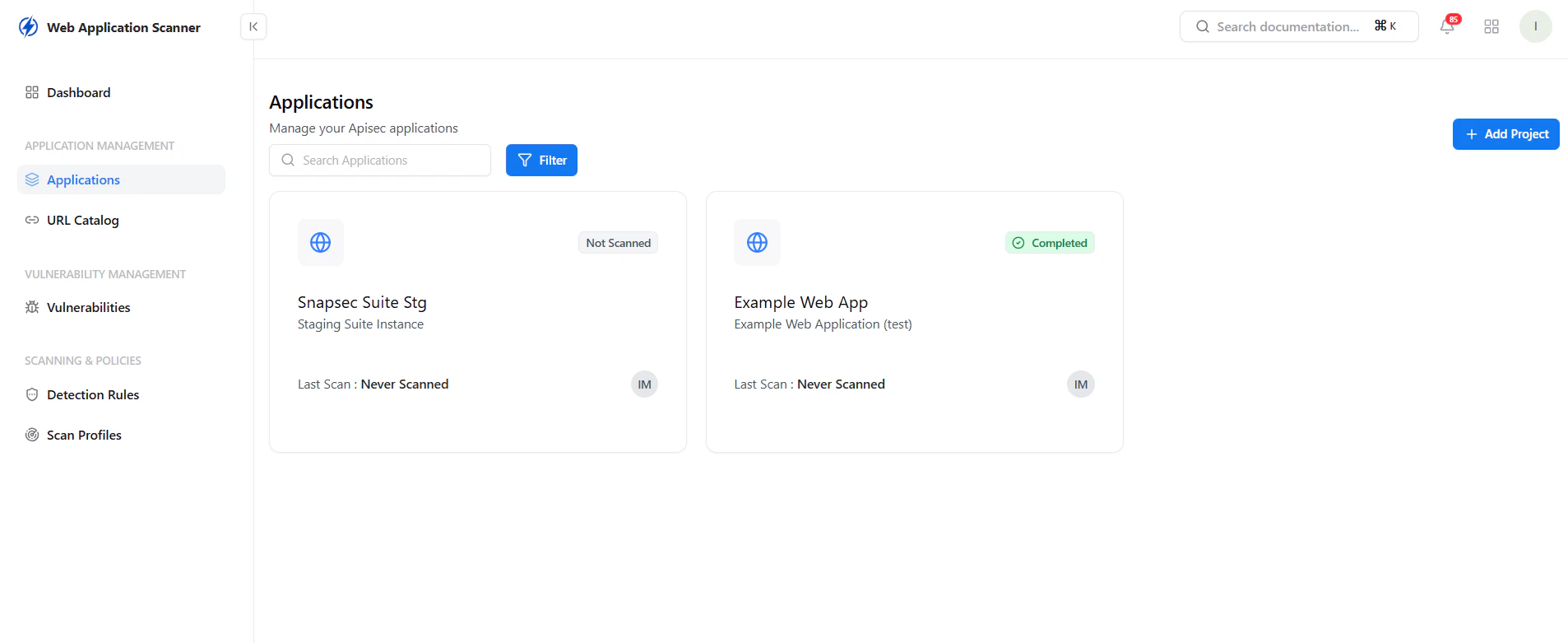
View and manage all onboarded applications
Key Features
- Centralized list of all applications
- Scan status visibility (Completed, Not Scanned)
- Last scan tracking
- Quick access to application-level insights
Create Application
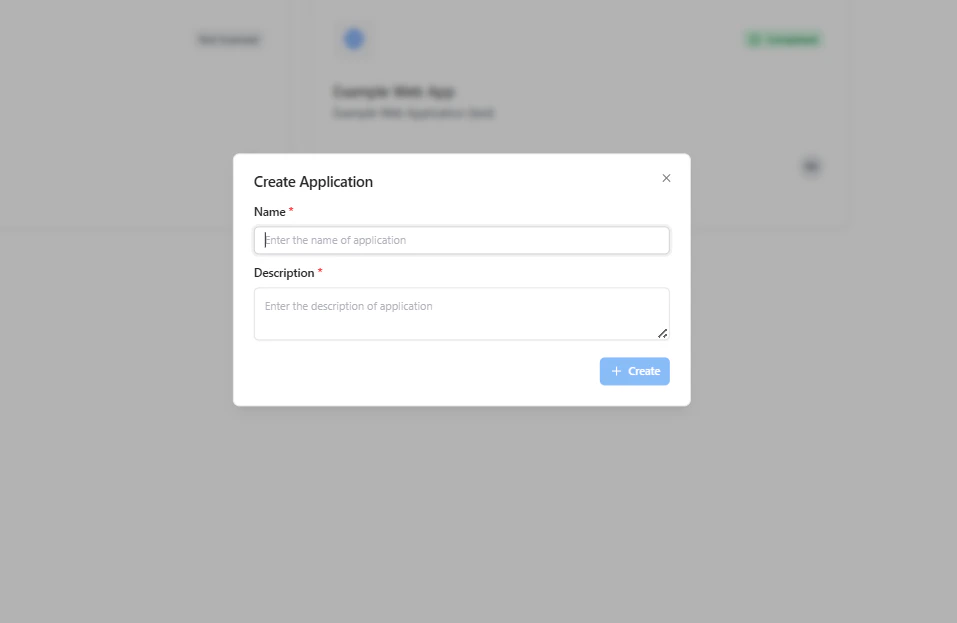
Add a new application for scanning
Configuration
- Name — Application identifier
- Description — Context about the application
Application Dashboard
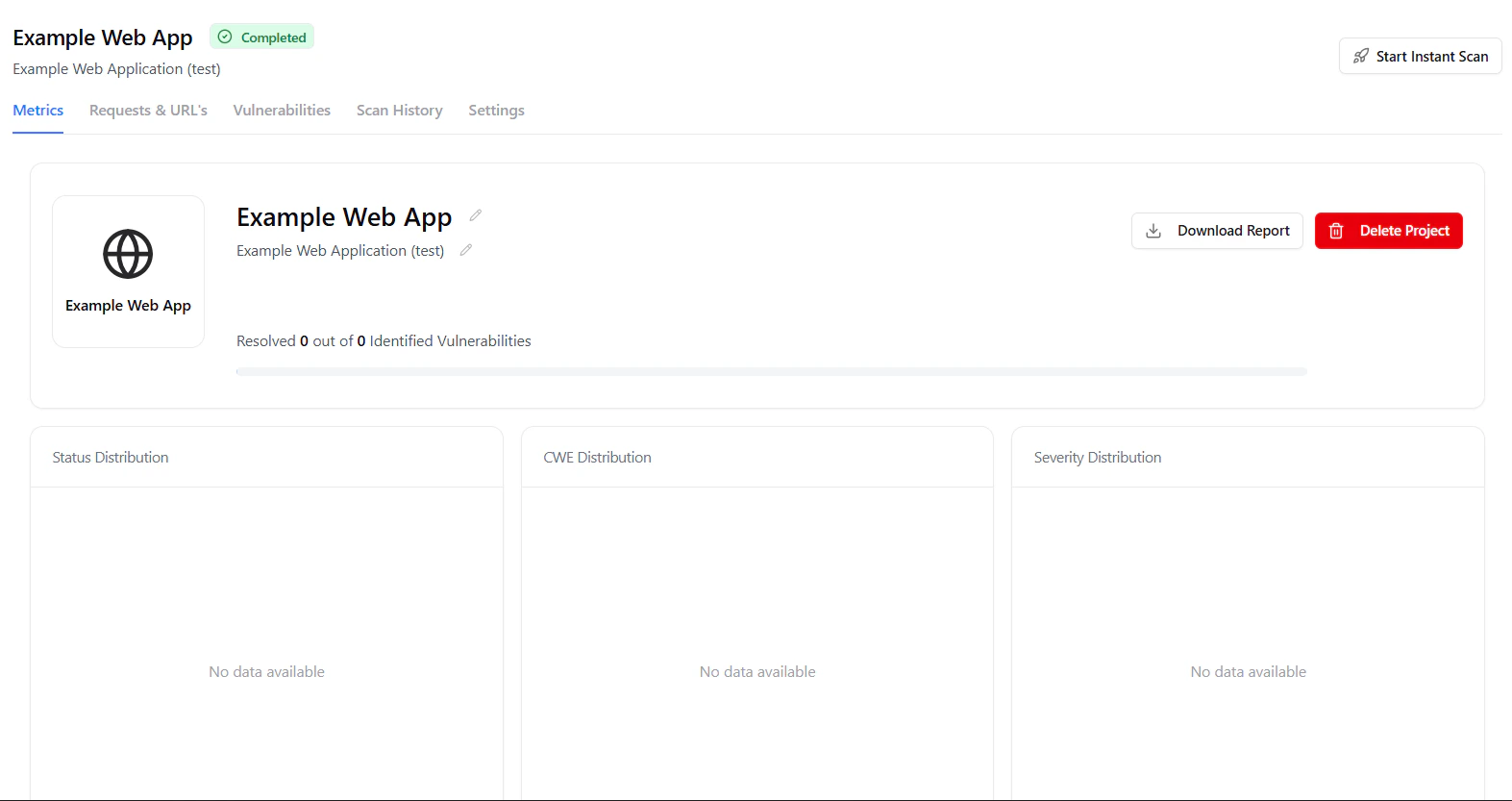
Application-level security overview and actions
Capabilities
- Start instant scans
- Track remediation progress
- Download scan reports
- Delete or manage applications
Metrics
High-level metrics and security posture for the application
Insights
- Total vulnerabilities identified
- Resolution progress tracking
- Visual security posture overview
Requests & URLs (Attack Surface Visibility)
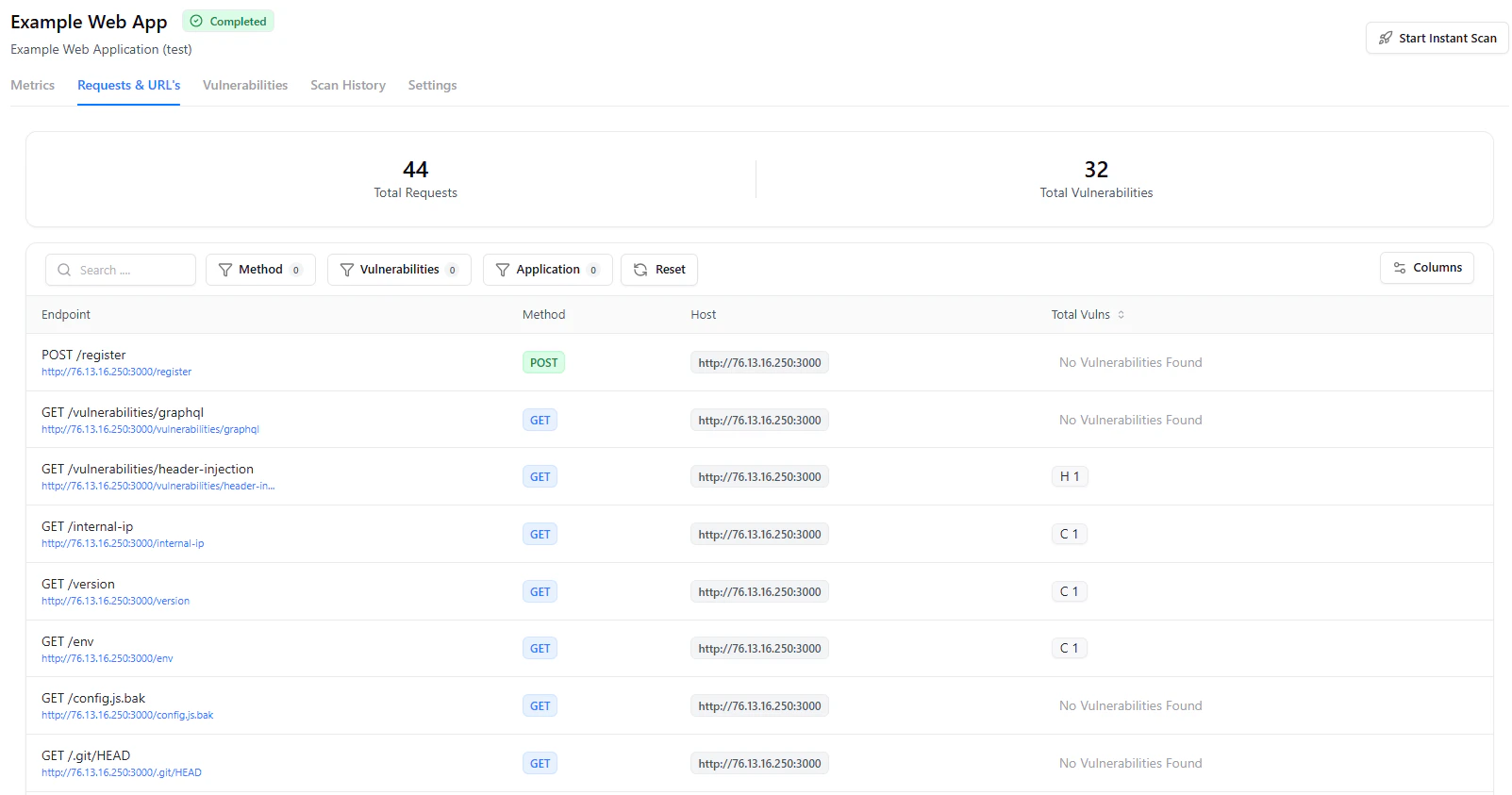
Discovered endpoints and request-level insights
What You Get
- Complete endpoint inventory
- HTTP method visibility (GET, POST, etc.)
- Host-level mapping
- Vulnerability mapping per endpoint
Vulnerabilities
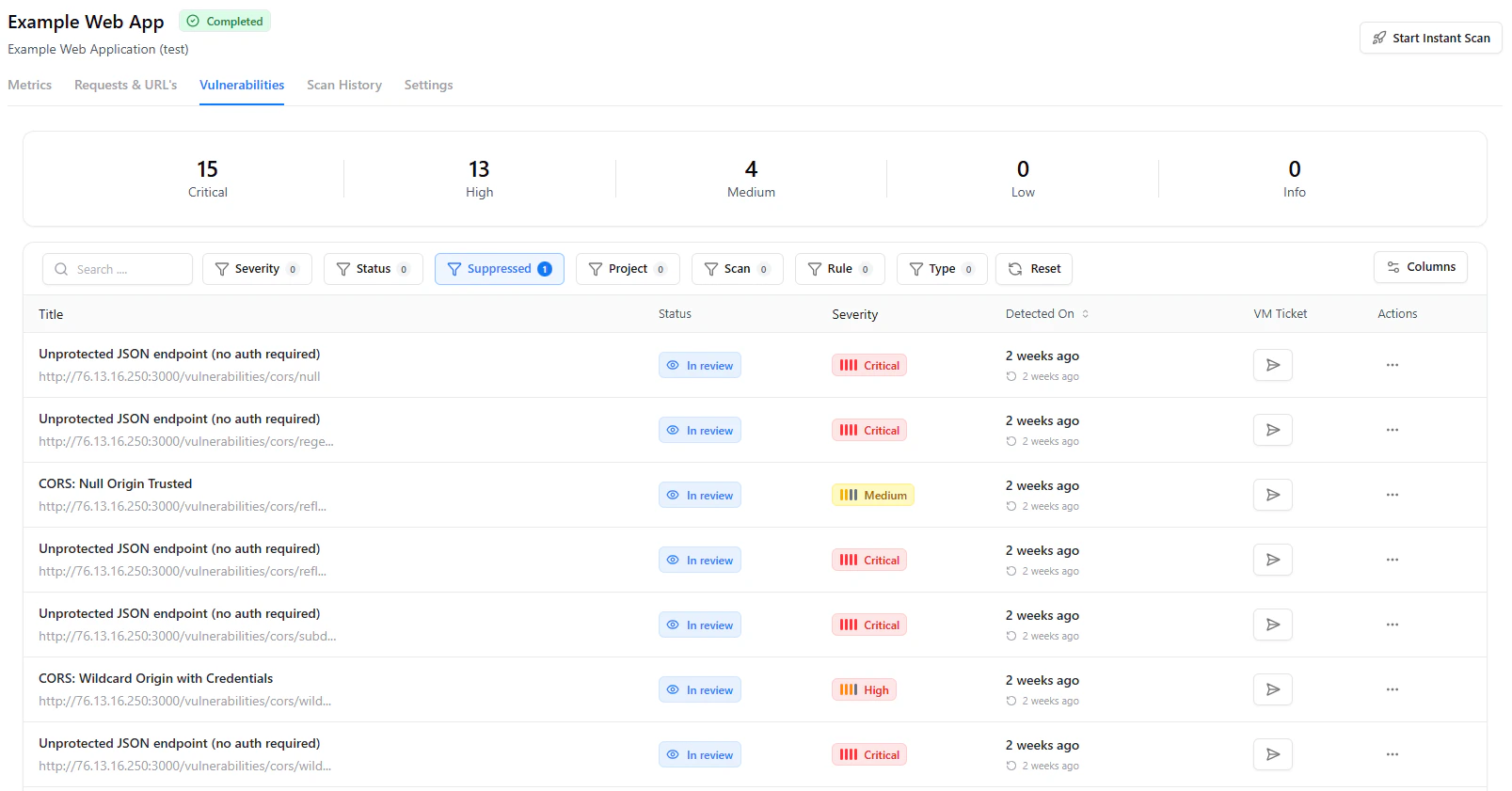
Detailed vulnerability list with severity and status tracking
Features
- Severity-based prioritization (Critical → Info)
- Status tracking (In Review, Resolved, False Positive)
- Detection timeline
- Integration with VM workflows
Scan History
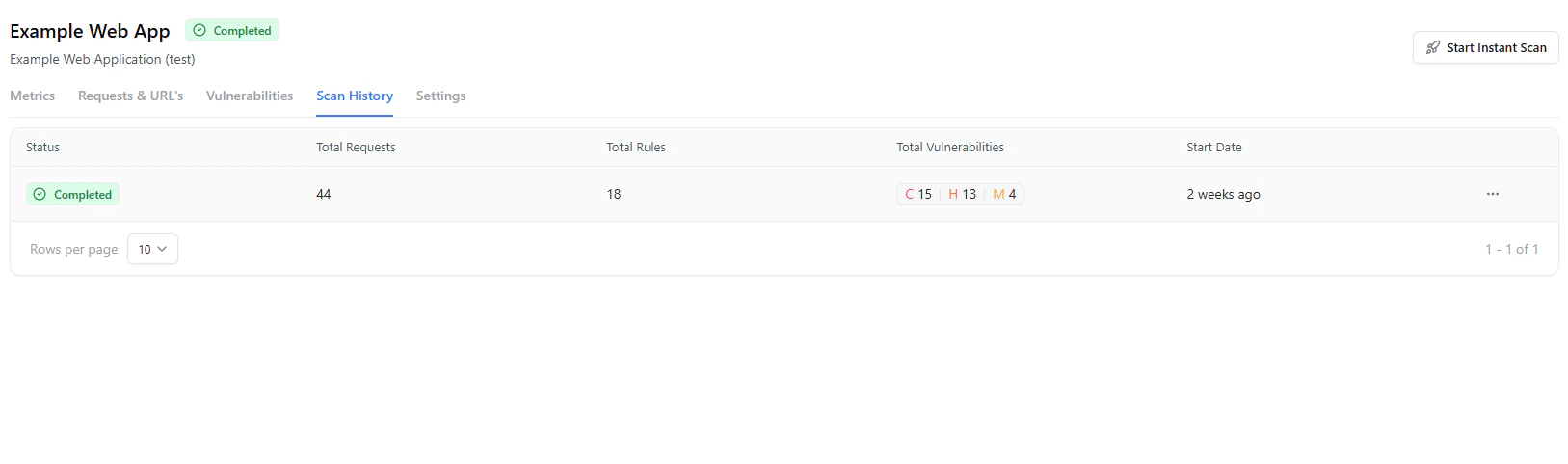
Track all executed scans and their outcomes
Includes
- Scan status
- Total requests executed
- Rules applied
- Vulnerabilities discovered per scan
- Timeline tracking
Scanner Configuration
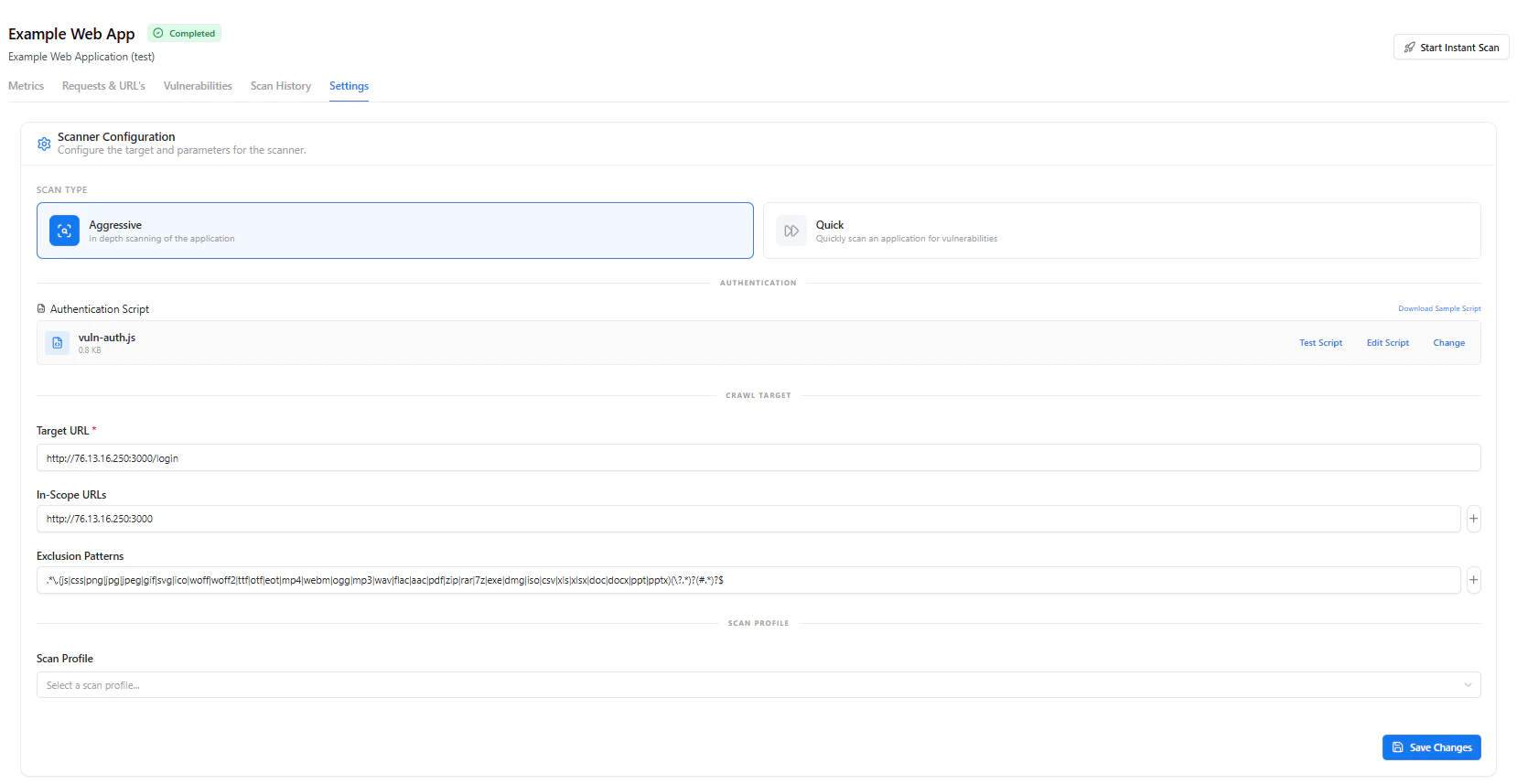
Configure scanning behavior and scope
Scan Types
- Aggressive Scan — Deep, comprehensive testing
- Quick Scan — Fast vulnerability checks
Configuration Options
- Target URL
- In-scope URLs
- Exclusion patterns
- Authentication script support
- Scan profile selection
Scan Scheduling & Synchronization
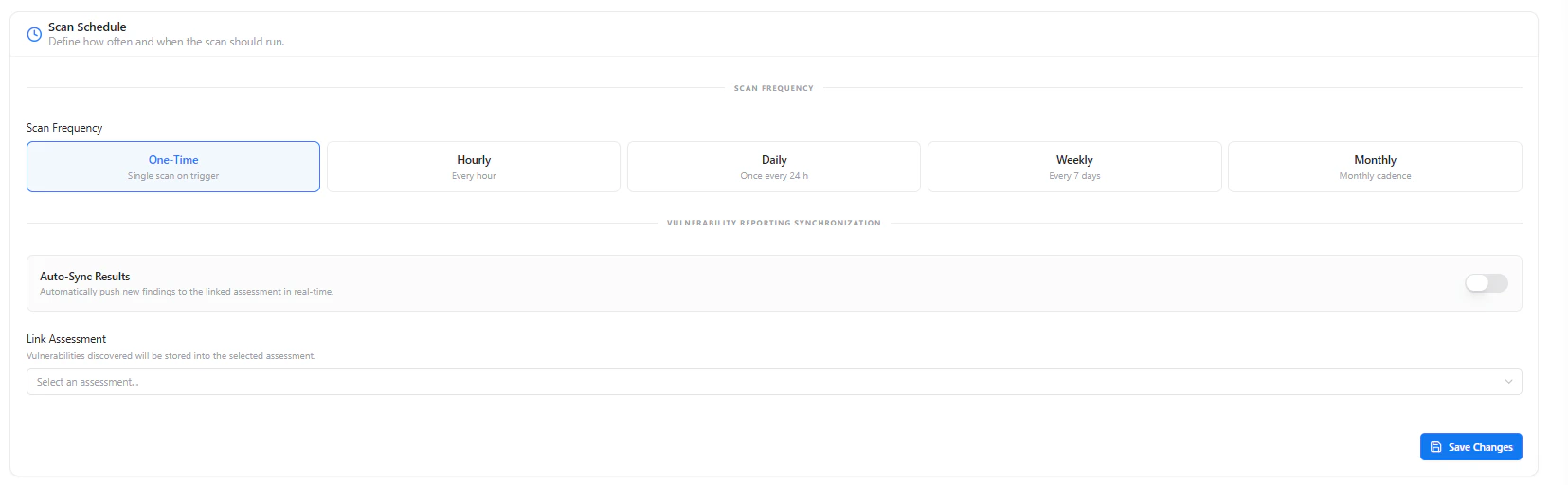
Define scan frequency and automate vulnerability synchronization
Scheduling Options
- One-time
- Hourly
- Daily
- Weekly
- Monthly
Automation
- Auto-sync findings to assessments
- Link vulnerabilities to workflows
Scan Rules
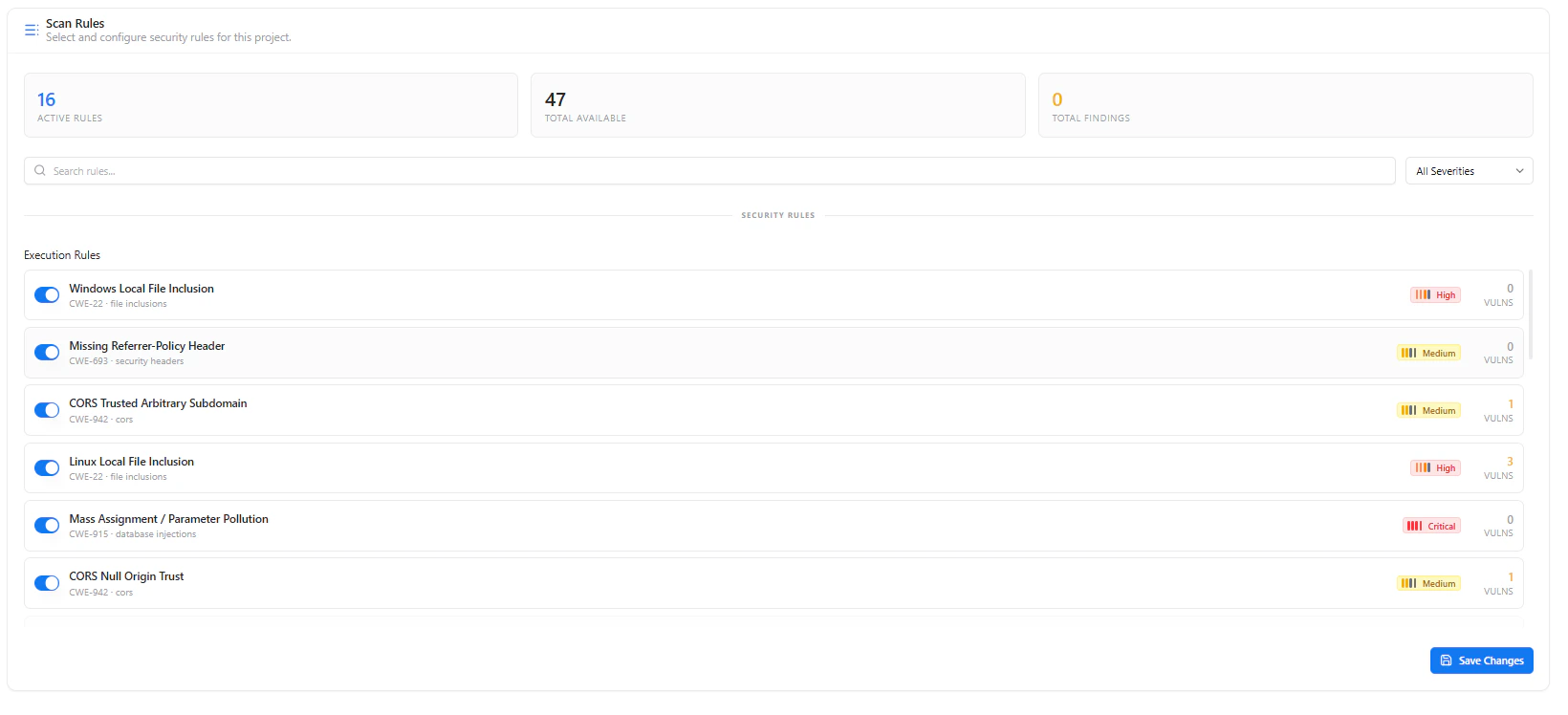
Customize detection rules and security checks
Capabilities
- Enable/disable security rules
- View severity mapping (Critical, High, Medium)
- Track findings per rule
- Fine-tune scan behavior
Why This Matters
- Provides complete control over application security testing
- Maps real attack surface instead of blind scanning
- Enables precise vulnerability detection with reduced noise
- Integrates scanning, prioritization, and remediation in one place
Explore Live Demo
Explore WAS Live — No Signup Needed
Discover how Snapsec WAS helps you identify and fix vulnerabilities across your applications in real time.