

Overview
Exports allow you to extract asset inventory data for reporting, compliance, or external analysis. You can generate full inventory exports or filter exports based on specific asset types, and download them in multiple formats such as CSV, XLSX, or JSON.Export Options
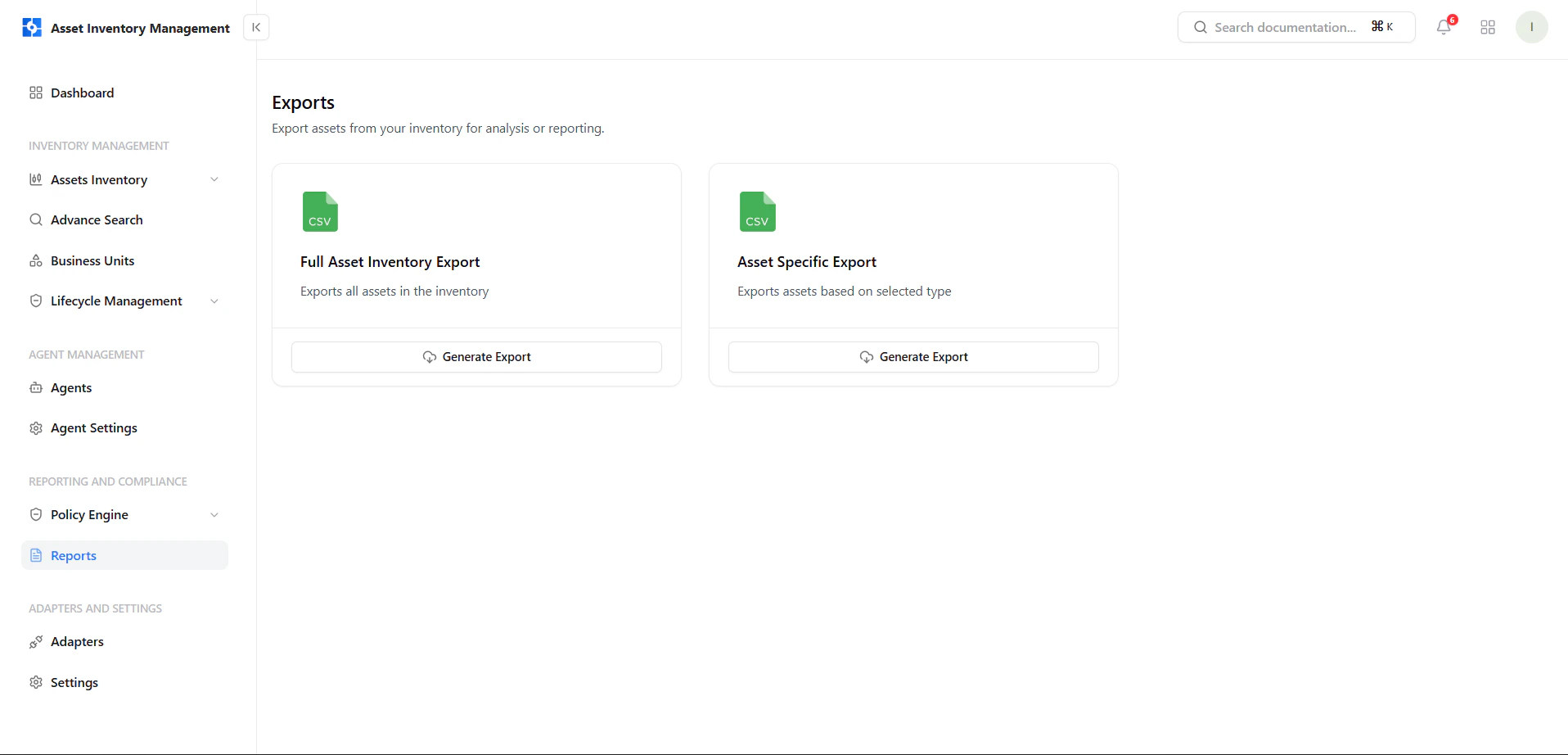
View available export options for full inventory or asset-specific data
Full Asset Inventory Export
- Exports all assets in your inventory
- Ideal for complete reporting and backups
Asset Specific Export
- Export assets based on selected type
- Useful for targeted analysis
Generate Full Inventory Export
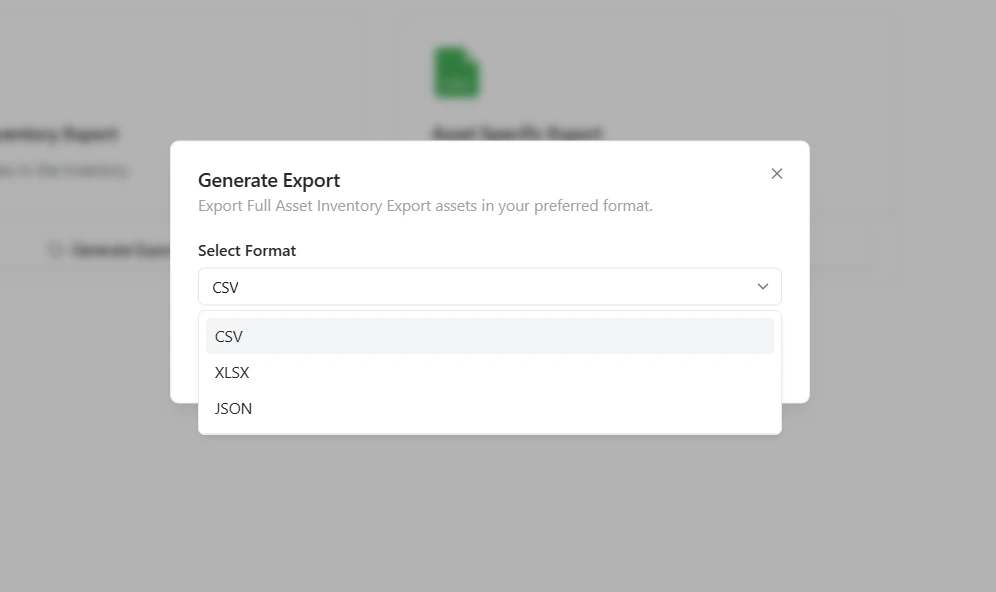
Select export format for full inventory export
- Click Generate Export under Full Asset Inventory
- Select your preferred format:
- CSV
- XLSX
- JSON
- Confirm to generate the export
Generate Asset-Specific Export
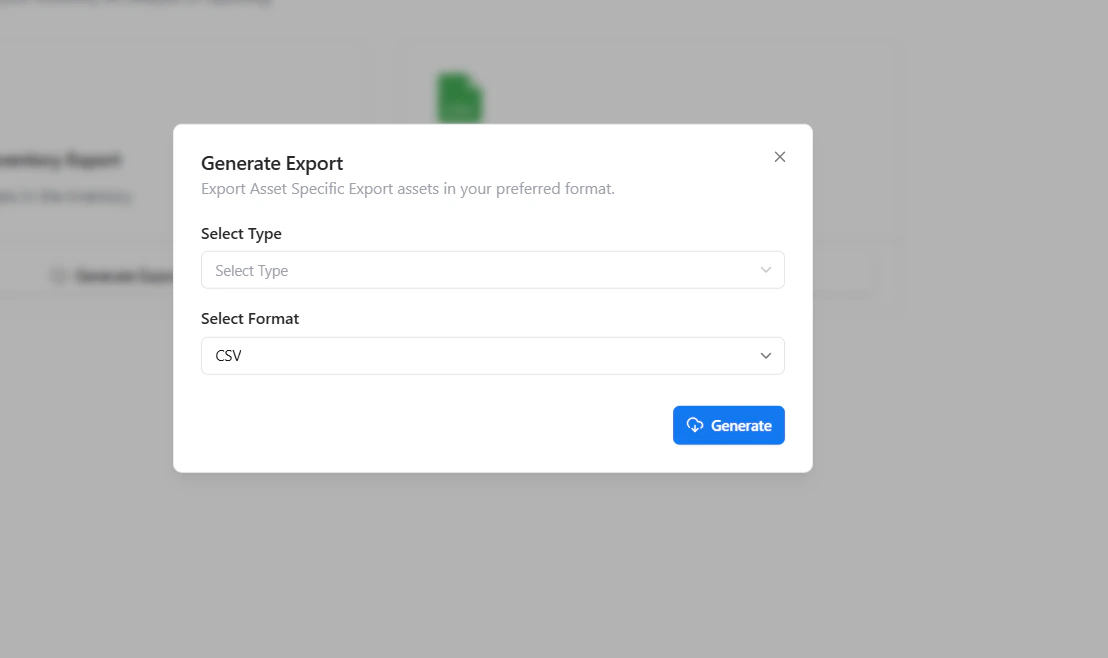
Choose asset type and format before generating export
- Click Generate Export under Asset Specific Export
- Select the asset type
- Choose the export format
- Click Generate
Supported Formats
Exports are available in multiple formats to support different use cases:- CSV — Lightweight and widely compatible
- XLSX — Structured and ideal for spreadsheets
- JSON — Best for integrations and automation
Why This Matters
- Enables easy reporting and compliance tracking
- Supports external analysis and integrations
- Provides flexible data extraction
- Simplifies audit and documentation workflows
Explore Live Demo
Explore AIM Live — No Signup Needed
See how Snapsec AIM allows you to export asset data in multiple formats for reporting and analysis.