

Overview
Service Vendors allow you to define who delivers the security assessment. They are used to:- Brand vulnerability reports
- Manage vendor identities
- Associate assessments with specific teams or partners
Vendor Management
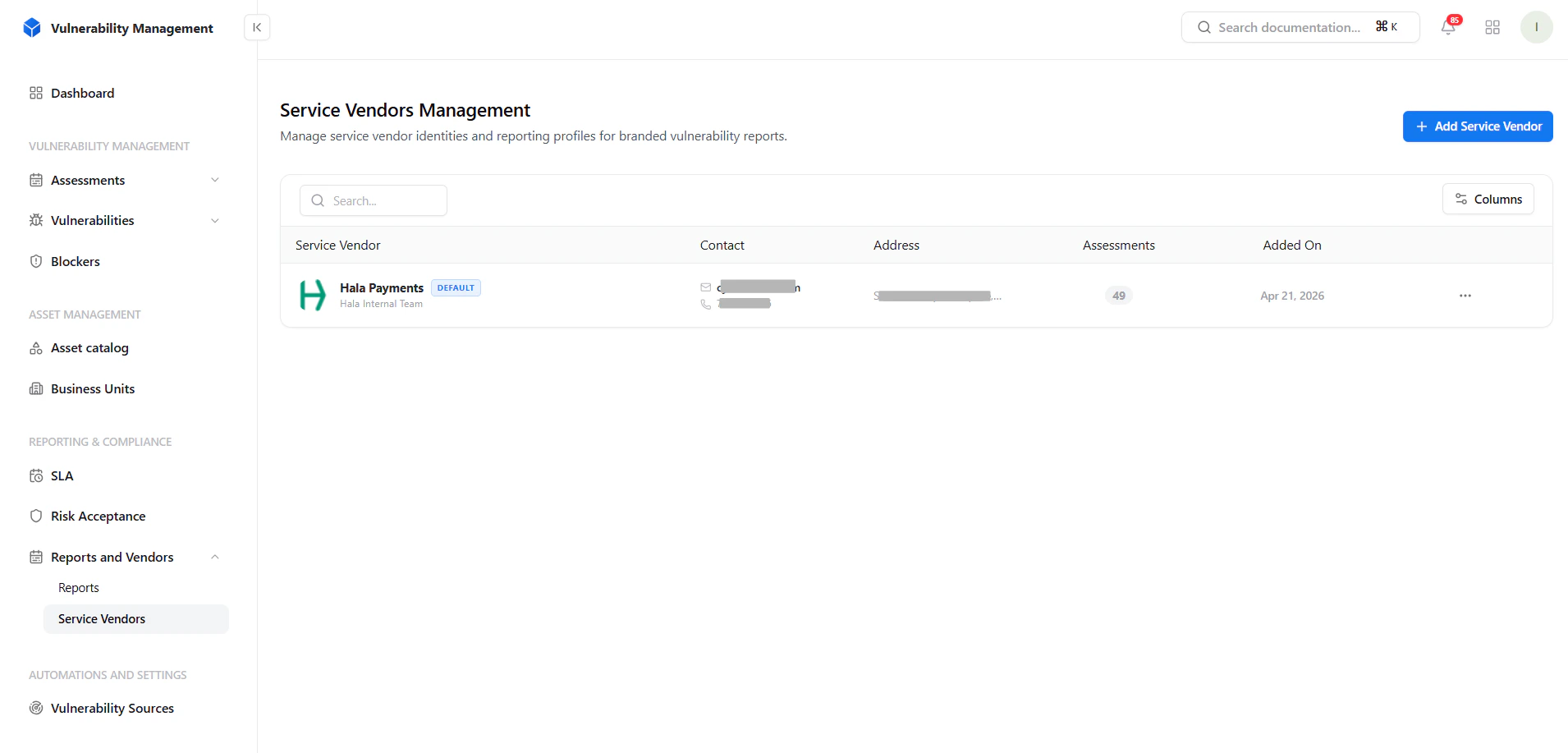
View and manage all service vendors
- Vendor name and identity
- Contact details
- Address information
- Number of linked assessments
- Creation date
Key Actions
- Add new vendor
- Search and filter vendors
- Manage vendor records
Adding a Service Vendor
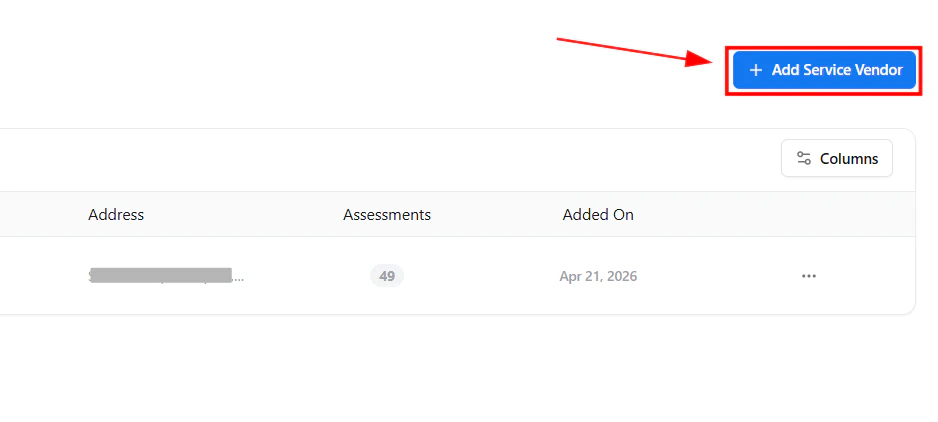
Create a new service vendor
Required Fields
- Service Vendor Name
Optional Fields
- Phone number
- Address
- Logo URL
- Description / Notes
Vendor Details
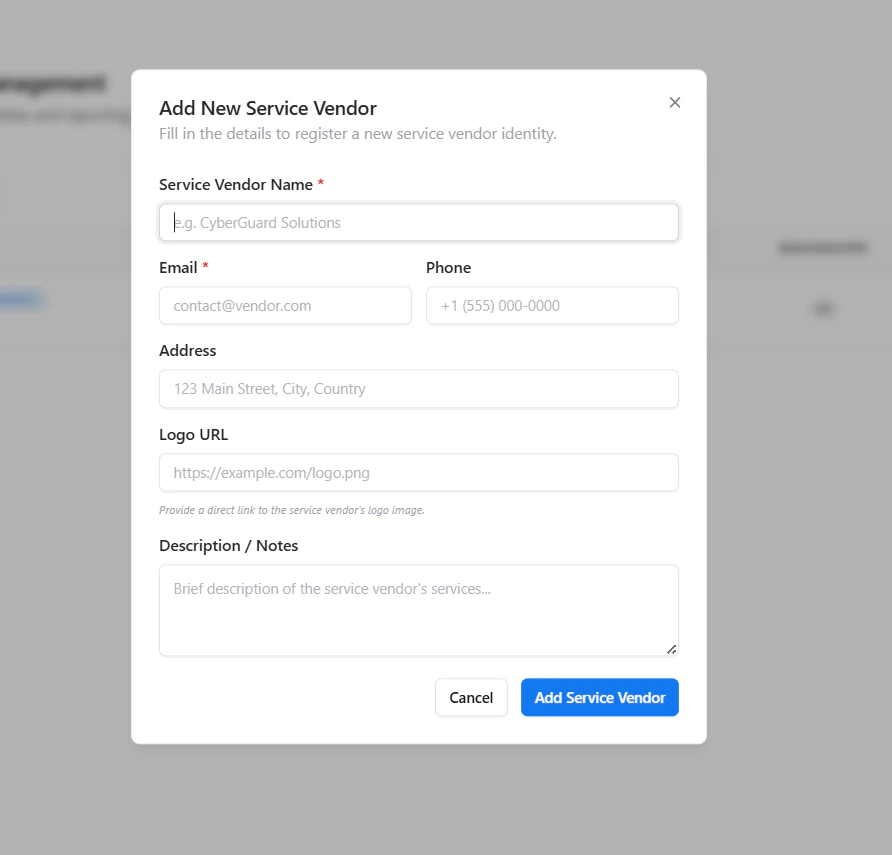
Configure vendor branding and details
- Logo Used for report branding
- Contact Information For communication and ownership
- Description Context about vendor services or scope
How It’s Used
Service Vendors integrate directly into the Vulnerability Management workflow.Key Use Cases
- Assign vendors to assessments
- Generate branded vulnerability reports
- Separate internal vs external security teams
- Manage multiple clients or business units
Why It Matters
This isn’t just a directory — it’s a reporting and ownership layer.Key Benefits
- Professional, branded reports for clients
- Clear ownership of security findings
- Multi-vendor / multi-team support
- Better tracking of assessment responsibility
- Strong value for consulting and MSSP models
Explore Live Demo
Explore VM Live — No Signup Needed
Create vendors and generate branded vulnerability reports instantly.