

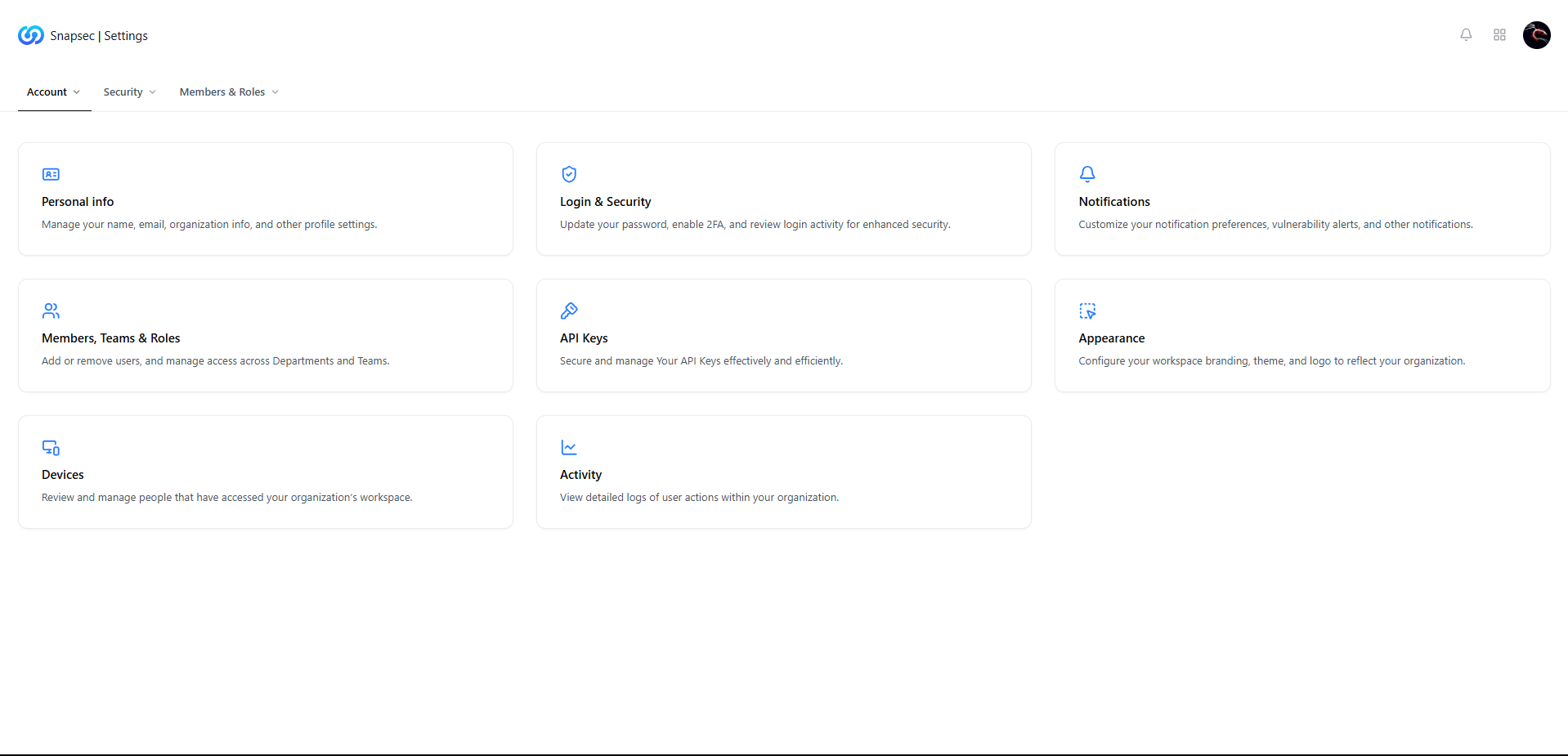
Account & Settings overview showing profile, security, and workspace controls
Overview
The Account & Settings page acts as the central control center for user identity, security posture, and workspace personalization within Snapsec.It allows users to manage their personal profile, secure their account, configure preferences, and control notification behavior — all from one unified interface. This page is designed to balance usability, security, and governance, ensuring users can manage their account without impacting organizational controls.
Personal Information
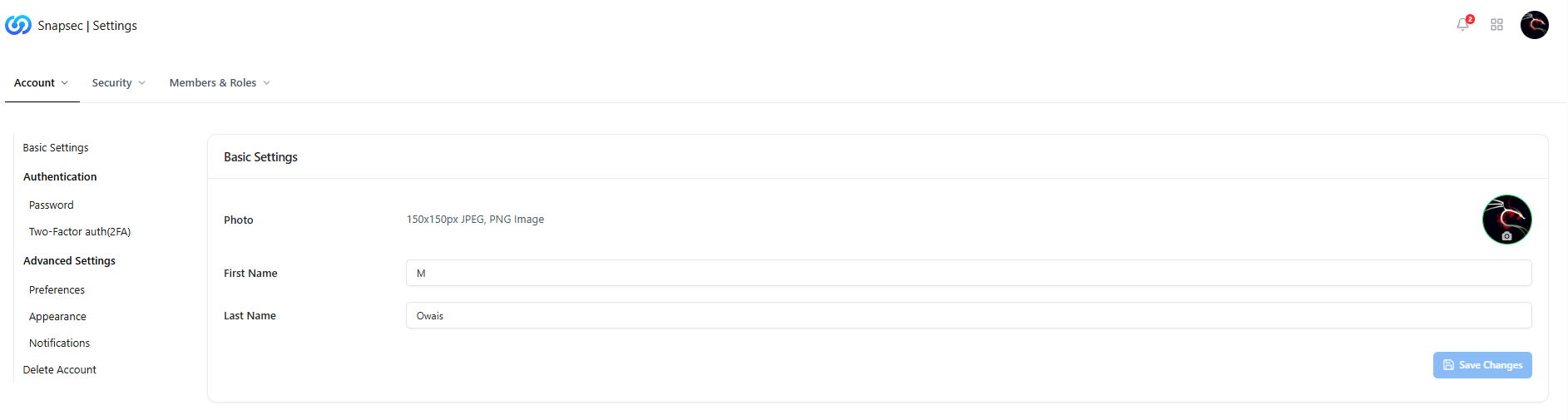
Personal information settings for user profile
What You Can Manage
- Profile photo (JPEG / PNG)
- First name and last name
- Basic identity details associated with the account
Login & Security
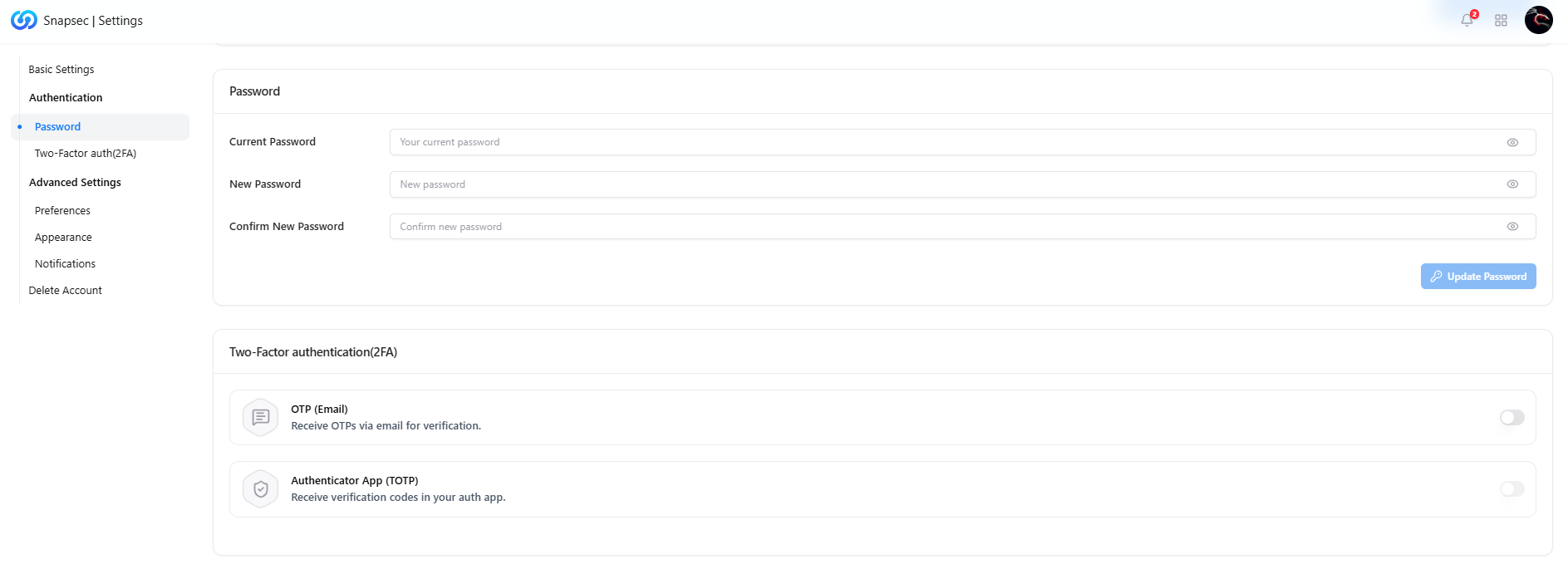
Authentication and password management
Password Management
- Update current password securely
- Enforce confirmation for password changes
- Immediate application across all sessions
Two-Factor Authentication (2FA)
- OTP via Email — Receive one-time passwords by email
- Authenticator App (TOTP) — Use apps like Google Authenticator or Authy
Advanced Settings
The Advanced Settings section allows users to customize how Snapsec behaves and communicates.Preferences
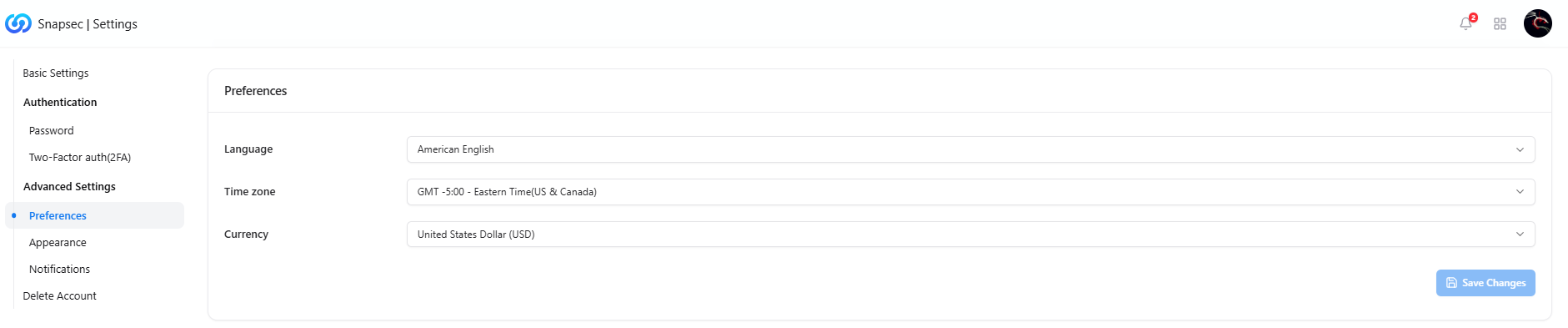
User preferences configuration
- Language — Interface language
- Time Zone — Used across reports, SLAs, and activity timelines
- Currency — Display currency for billing and cost-related views
Appearance
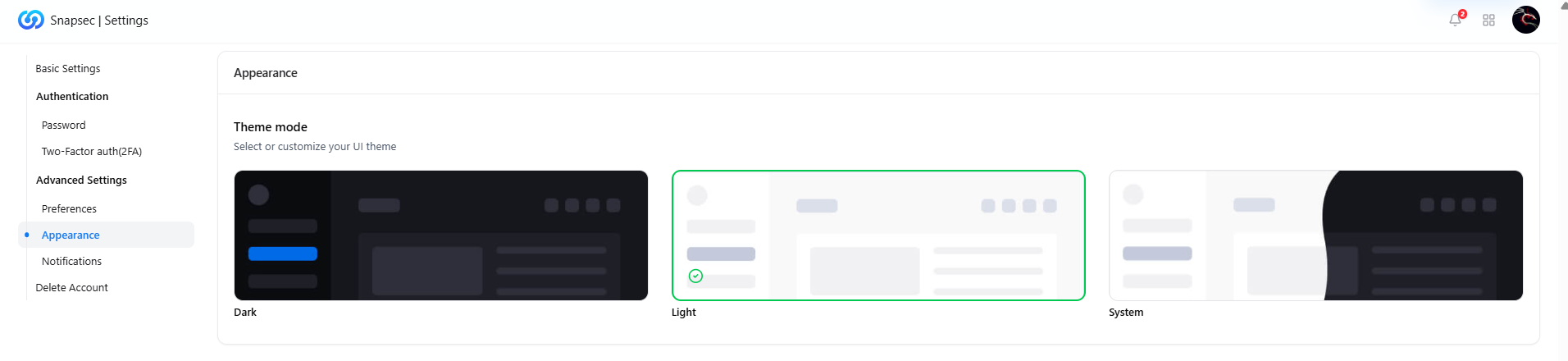
Workspace appearance and theme selection
- Dark Mode
- Light Mode
- System Default
Notifications
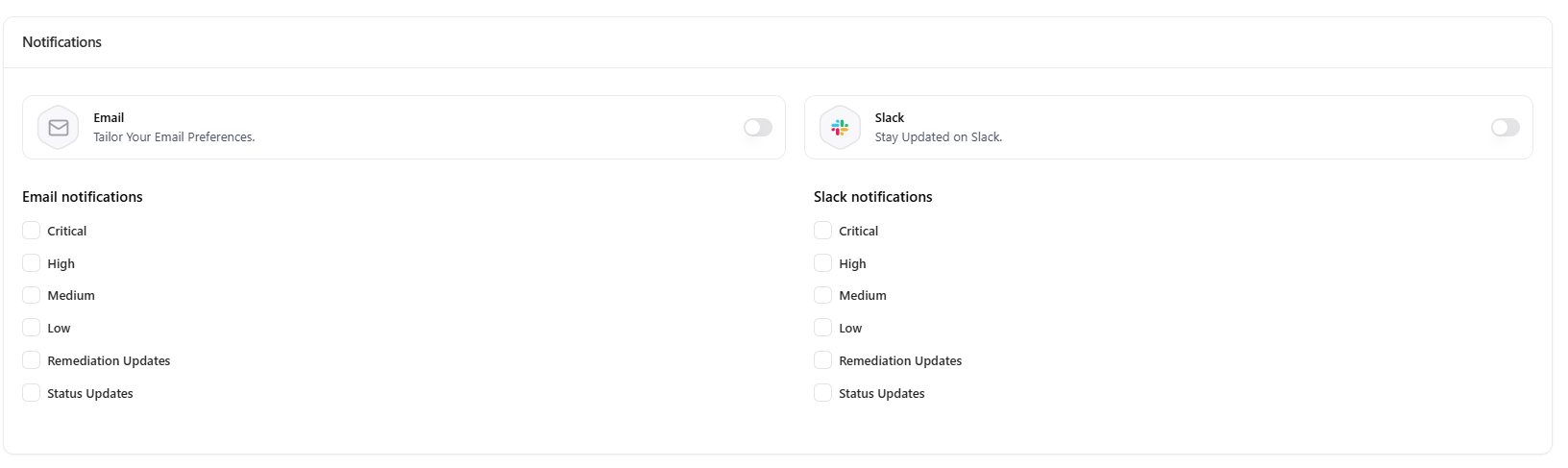
Notification preferences for email and Slack
Email Notifications
- Critical
- High
- Medium
- Low
- Remediation updates
- Status changes
Slack Notifications
- Severity-based alerts
- Remediation updates
- Status changes
Delete Account

Account deletion confirmation
Important Notes
- Deletion is irreversible
- All personal data associated with the account is permanently removed
- Organizational access may be revoked immediately
Account deletion cannot be undone. Ensure all responsibilities are transferred before proceeding.
Why This Matters
- Security-first access control with strong authentication and 2FA
- Clear identity attribution across vulnerabilities, reports, and activities
- Personalized workspace experience without affecting org-wide policies
- Granular notification control to stay informed without overload