> ## Documentation Index
> Fetch the complete documentation index at: https://docs.snapsec.co/llms.txt
> Use this file to discover all available pages before exploring further.
# Workstations
> Monitor endpoints, system details, and device-level security posture across your organization.
## Overview
The **Workstations** module provides a centralized inventory of all discovered endpoints including laptops, desktops, and virtual machines.
It enables teams to track device ownership, operating systems, system-level data, and basic security posture across the environment.
 ***
## Dashboard View
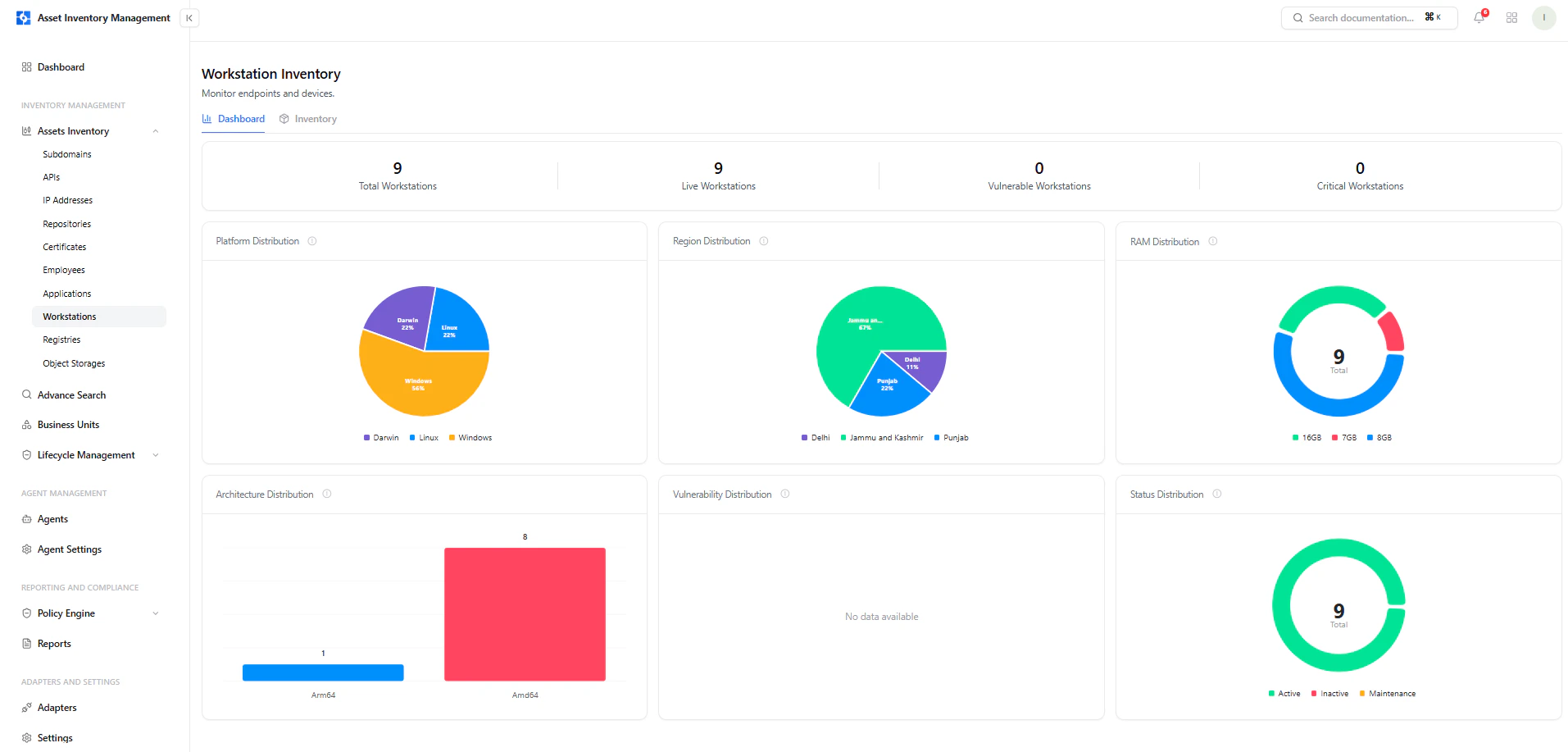
The dashboard provides a high-level summary of all workstations.
### Key Metrics
* **Total Workstations** — All discovered devices
* **Live Workstations** — Currently active endpoints
* **Vulnerable Workstations** — Devices with detected issues
* **Critical Workstations** — Devices with critical findings
### Visual Insights
* **Platform Distribution** — Windows, Linux, Darwin
* **Region Distribution** — Geographic breakdown
* **RAM Distribution** — Memory allocation across devices
* **Architecture Distribution** — Arm64 vs Amd64
* **Status Distribution** — Active, Inactive, Maintenance
***
## Workstation Inventory
The inventory view lists all discovered workstations with key details.
***
## Dashboard View
The dashboard provides a high-level summary of all workstations.
### Key Metrics
* **Total Workstations** — All discovered devices
* **Live Workstations** — Currently active endpoints
* **Vulnerable Workstations** — Devices with detected issues
* **Critical Workstations** — Devices with critical findings
### Visual Insights
* **Platform Distribution** — Windows, Linux, Darwin
* **Region Distribution** — Geographic breakdown
* **RAM Distribution** — Memory allocation across devices
* **Architecture Distribution** — Arm64 vs Amd64
* **Status Distribution** — Active, Inactive, Maintenance
***
## Workstation Inventory
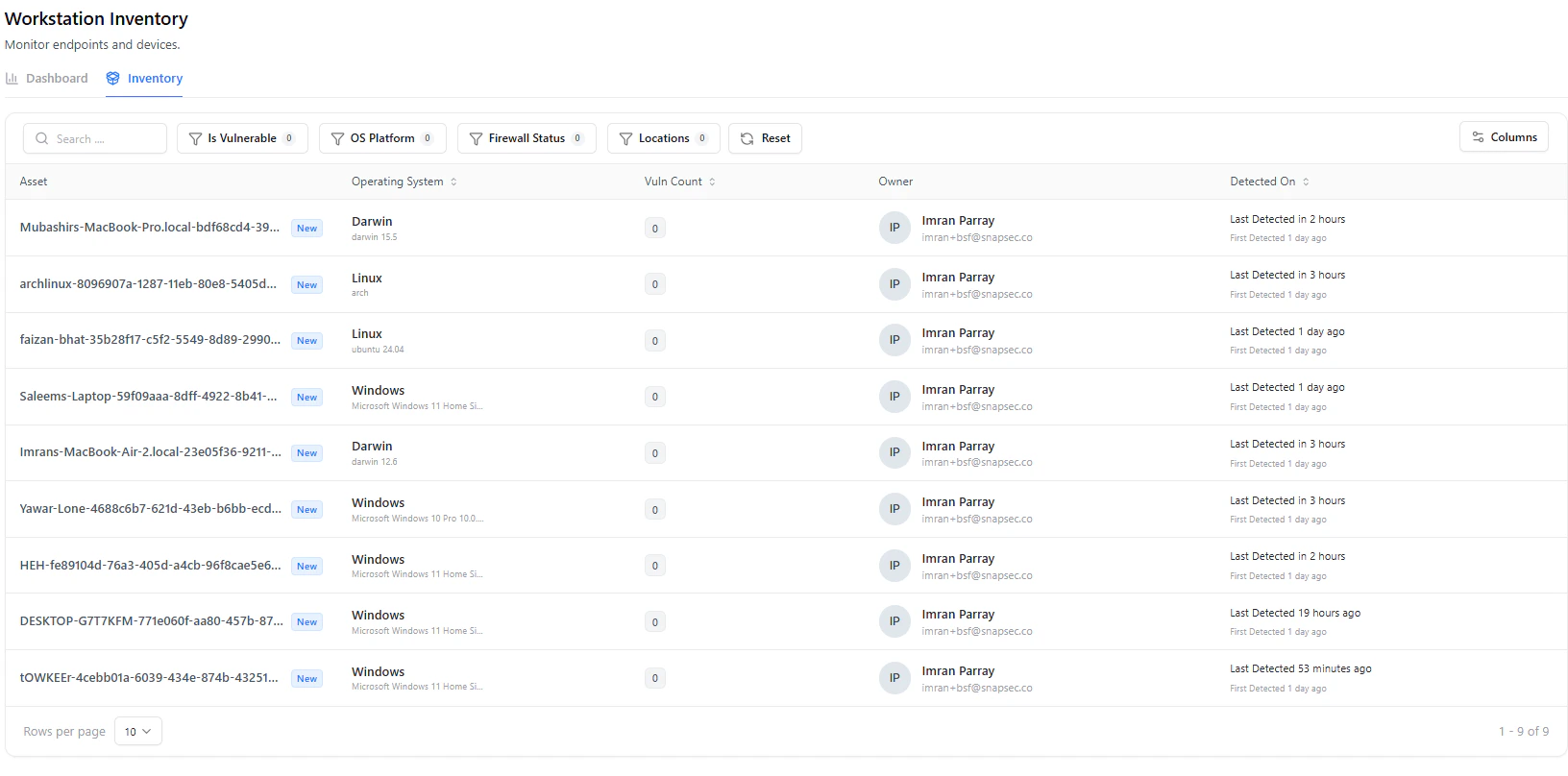
The inventory view lists all discovered workstations with key details.
 ### Table Columns
| Column | Description |
| -------------------- | ----------------------------------- |
| **Asset** | Device name or identifier |
| **Operating System** | OS type and version |
| **Vuln Count** | Number of vulnerabilities |
| **Owner** | Assigned user |
| **Detected On** | First and last detection timestamps |
### Filters & Search
* **Is Vulnerable**
* **OS Platform**
* **Firewall Status**
* **Location**
* **Search by device name**
***
## Workstation Asset View
Selecting a workstation opens a detailed view with complete system context.
### Table Columns
| Column | Description |
| -------------------- | ----------------------------------- |
| **Asset** | Device name or identifier |
| **Operating System** | OS type and version |
| **Vuln Count** | Number of vulnerabilities |
| **Owner** | Assigned user |
| **Detected On** | First and last detection timestamps |
### Filters & Search
* **Is Vulnerable**
* **OS Platform**
* **Firewall Status**
* **Location**
* **Search by device name**
***
## Workstation Asset View
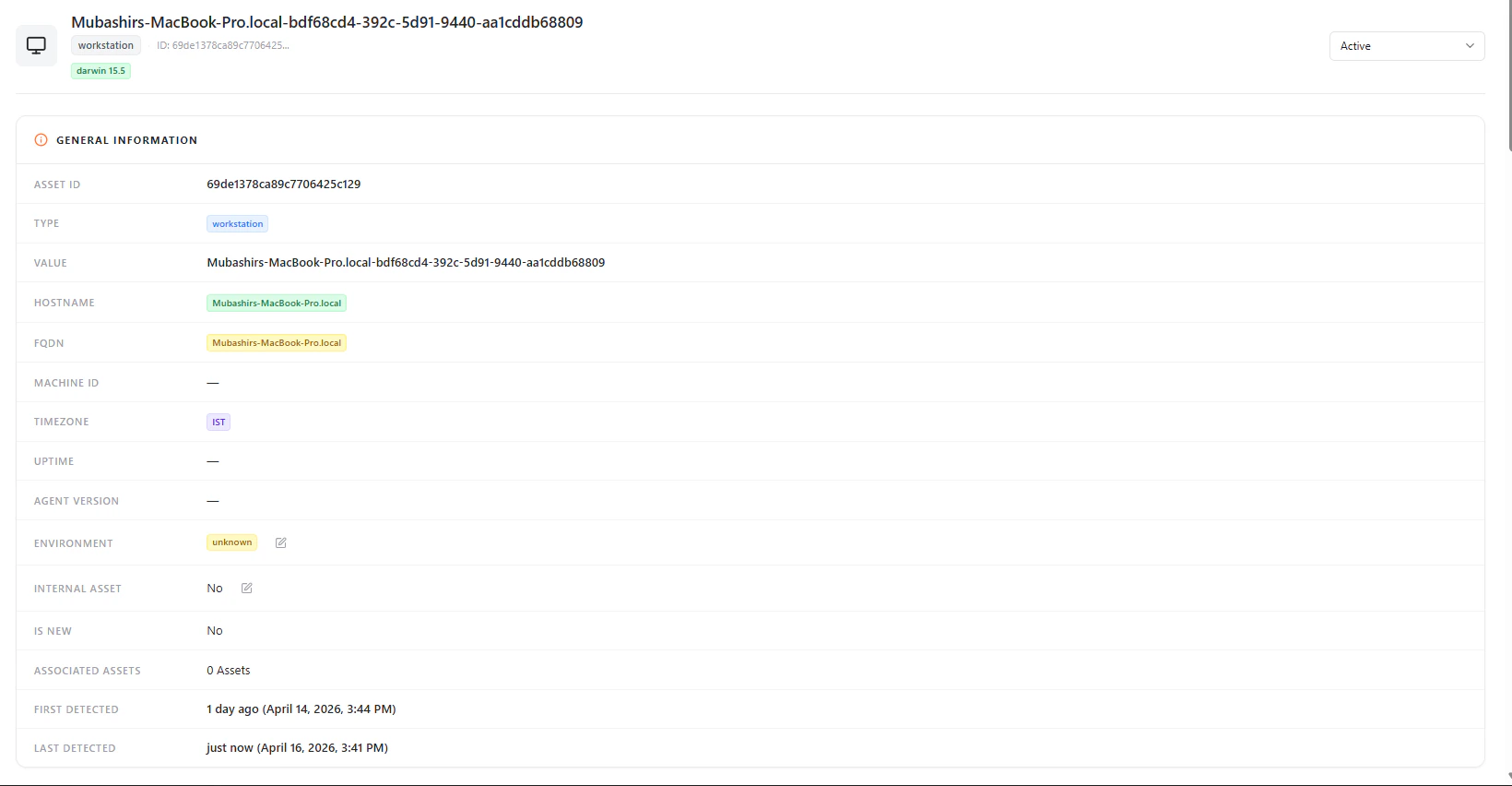
Selecting a workstation opens a detailed view with complete system context.
 ***
## General Information
Each workstation includes:
* **Asset ID**
* **Type (Workstation)**
* **Hostname**
* **FQDN**
* **Timezone**
* **Environment**
* **Internal Asset (Yes / No)**
* **Associated Assets**
* **First Detected / Last Detected**
***
## Operating System
***
## General Information
Each workstation includes:
* **Asset ID**
* **Type (Workstation)**
* **Hostname**
* **FQDN**
* **Timezone**
* **Environment**
* **Internal Asset (Yes / No)**
* **Associated Assets**
* **First Detected / Last Detected**
***
## Operating System
 Includes:
* **Platform** (e.g., Darwin, Linux, Windows)
* **Distribution**
* **Version**
* **Architecture**
***
## Hardware Details
Includes:
* **Platform** (e.g., Darwin, Linux, Windows)
* **Distribution**
* **Version**
* **Architecture**
***
## Hardware Details
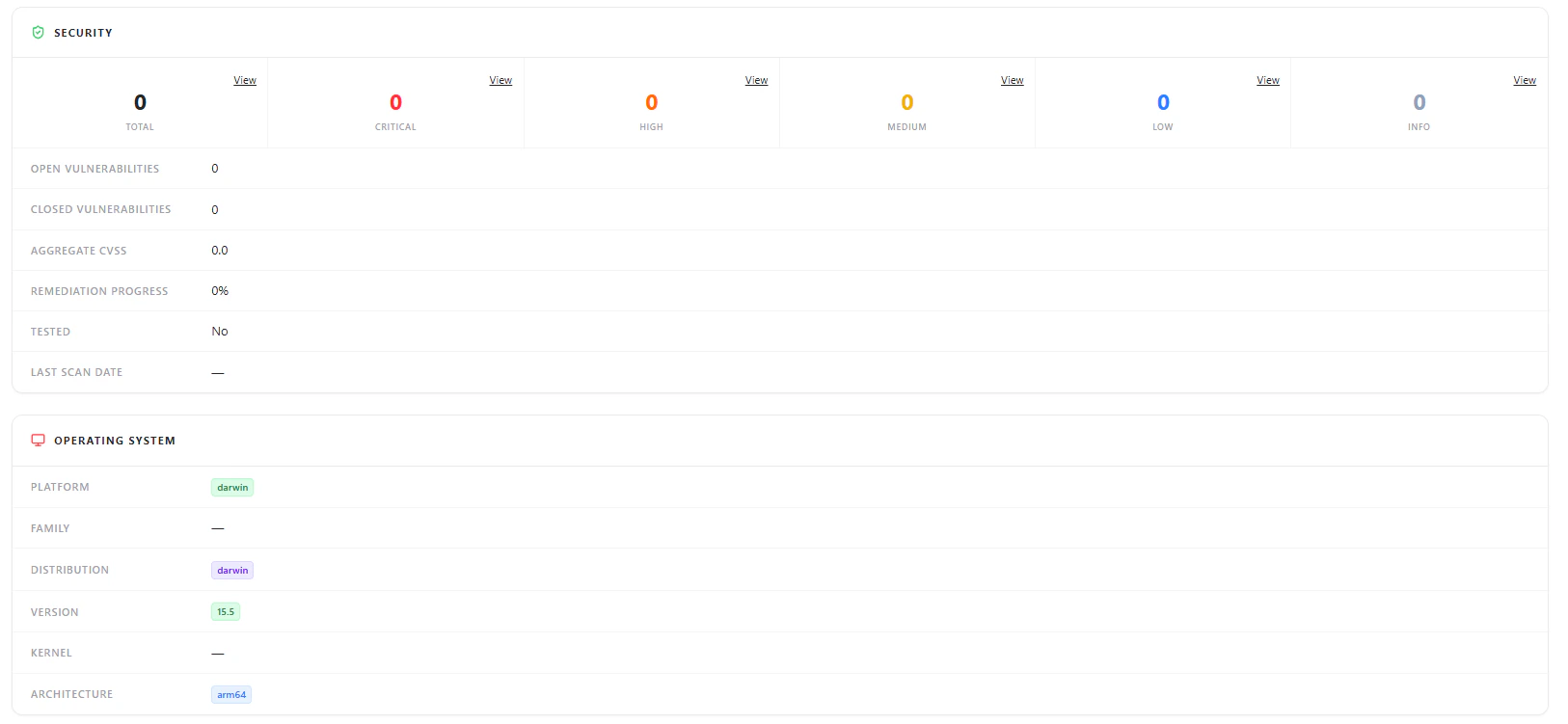 Displays:
* **CPU Model**
* **Cores & Threads**
* **RAM Total / Used / Available**
* **Disk Capacity**
***
## Processes
Displays:
* **CPU Model**
* **Cores & Threads**
* **RAM Total / Used / Available**
* **Disk Capacity**
***
## Processes
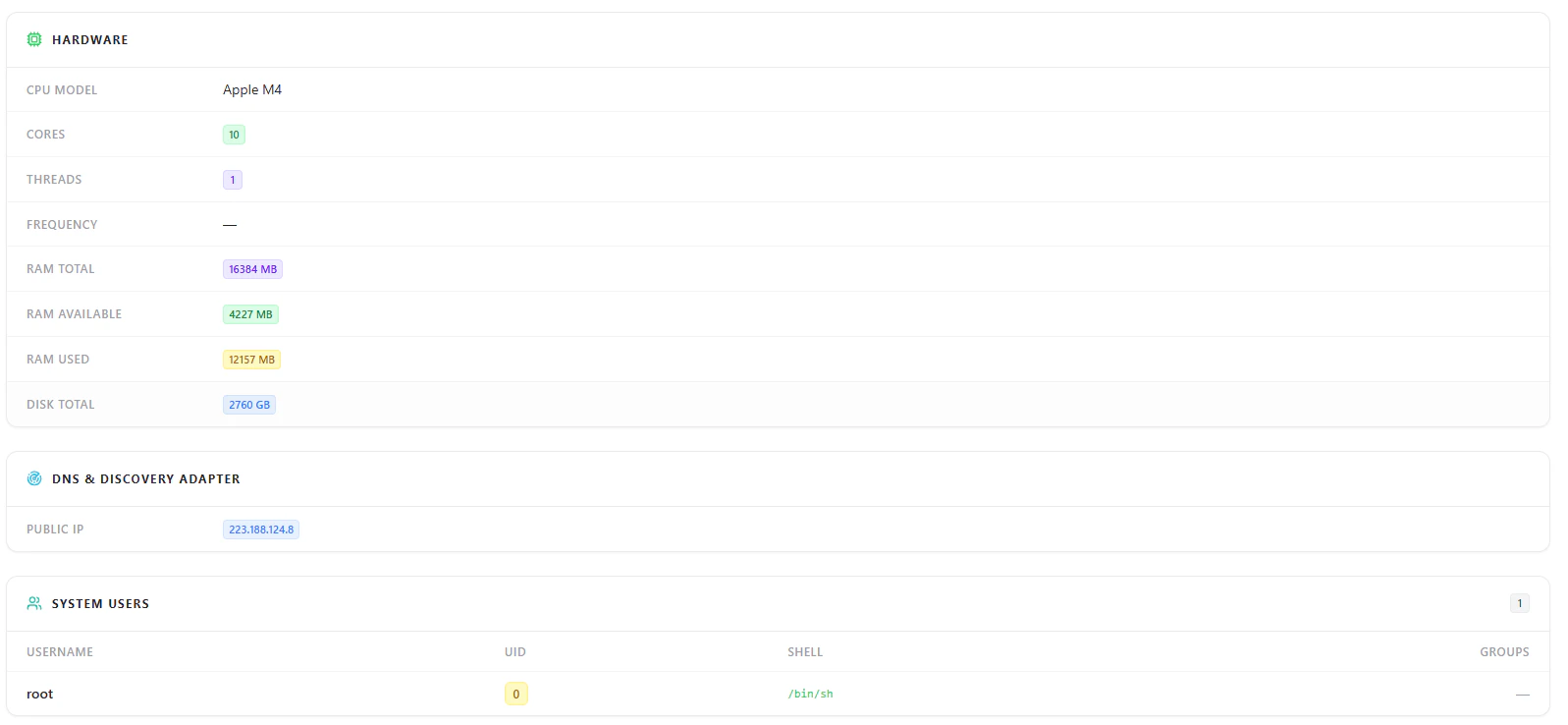 Provides visibility into:
* Active processes
* Process IDs (PID / PPID)
* Running user (e.g., root)
* CPU and memory usage
***
## Users & Network Information
Provides visibility into:
* Active processes
* Process IDs (PID / PPID)
* Running user (e.g., root)
* CPU and memory usage
***
## Users & Network Information
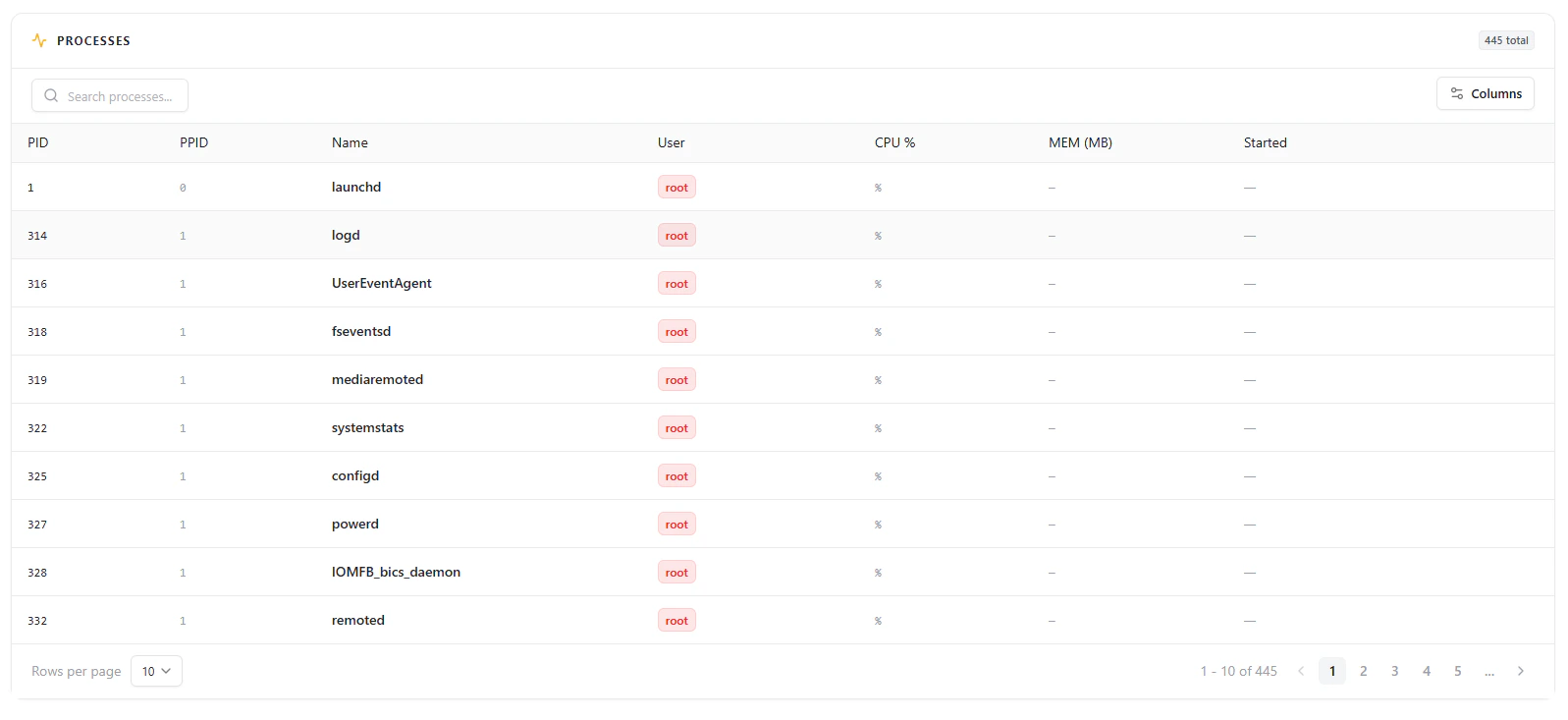 Includes:
### System Users
* Username
* UID
* Shell
* Groups
### Network & Location
* Public IP
* City, Region, Country
* ISP and ASN
* Latitude & Longitude
* Timezone
***
## Security Overview
Displays basic security posture of the workstation:
* Total vulnerabilities
* Severity breakdown (if available)
* Open vs closed vulnerabilities
* Aggregate CVSS
* Remediation progress
* Last scan date
***
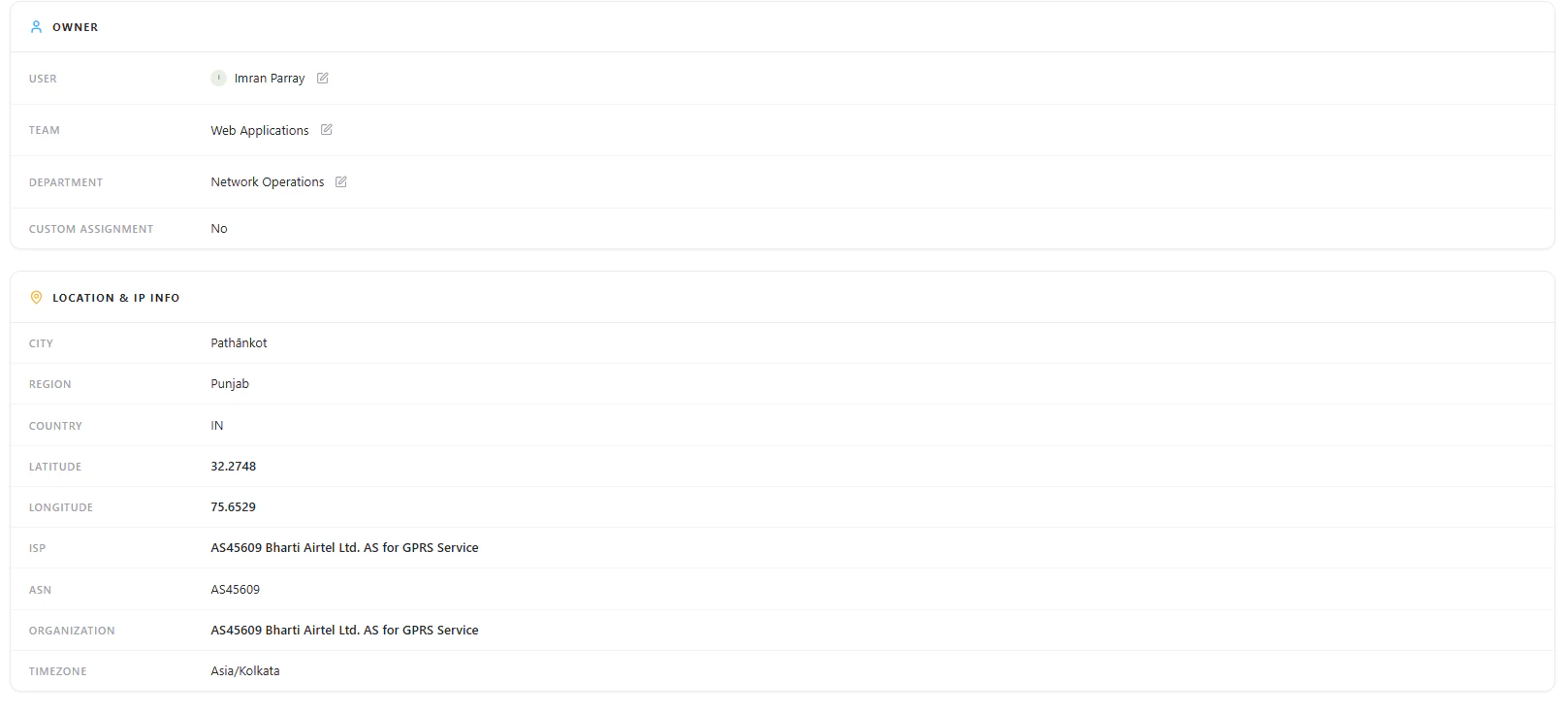
## Ownership
Each workstation is mapped to an owner for accountability:
* **User**
* **Team**
* **Department**
* **Custom Assignment**
***
## Why This Matters
The Workstations module helps teams:
* Maintain complete visibility of all endpoints
* Track device ownership and accountability
* Monitor system-level configurations
* Understand geographic and network exposure
* Investigate processes and user activity
* Identify vulnerable or unmanaged devices
***
## Explore Live Demo
Instantly explore how Snapsec AIM discovers and tracks workstations across your environment — all without creating an account.
Includes:
### System Users
* Username
* UID
* Shell
* Groups
### Network & Location
* Public IP
* City, Region, Country
* ISP and ASN
* Latitude & Longitude
* Timezone
***
## Security Overview
Displays basic security posture of the workstation:
* Total vulnerabilities
* Severity breakdown (if available)
* Open vs closed vulnerabilities
* Aggregate CVSS
* Remediation progress
* Last scan date
***
## Ownership
Each workstation is mapped to an owner for accountability:
* **User**
* **Team**
* **Department**
* **Custom Assignment**
***
## Why This Matters
The Workstations module helps teams:
* Maintain complete visibility of all endpoints
* Track device ownership and accountability
* Monitor system-level configurations
* Understand geographic and network exposure
* Investigate processes and user activity
* Identify vulnerable or unmanaged devices
***
## Explore Live Demo
Instantly explore how Snapsec AIM discovers and tracks workstations across your environment — all without creating an account.