> ## Documentation Index
> Fetch the complete documentation index at: https://docs.snapsec.co/llms.txt
> Use this file to discover all available pages before exploring further.
# Advanced Search
> Build powerful queries to filter, segment, and analyze assets across your inventory.
## Overview
**Advanced Search** enables precise filtering across your entire asset inventory using structured and nested query logic.
***
## 1. Access Advanced Search
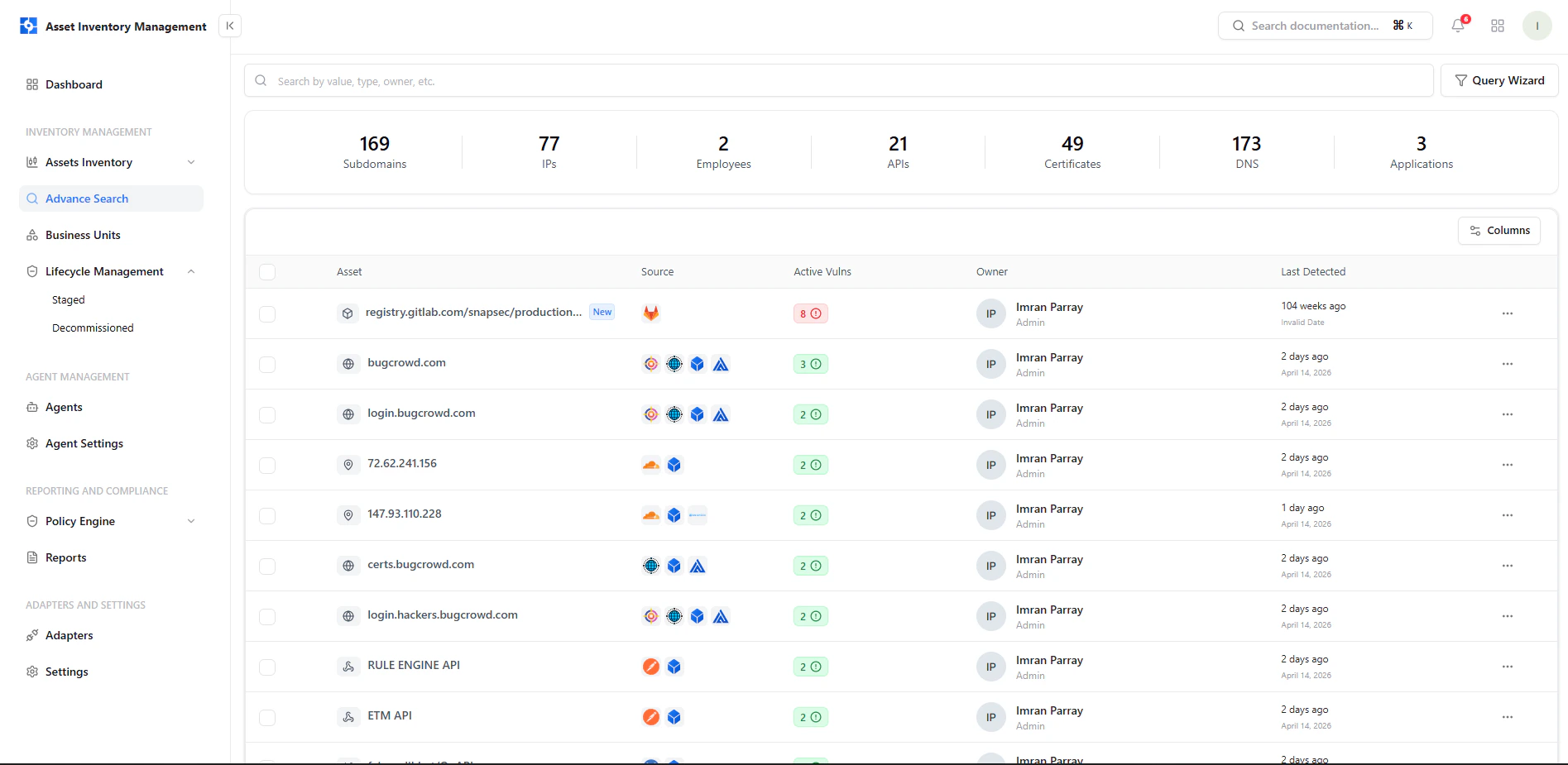 Use the **Query Wizard** to move beyond basic filters and build complex queries.
***
## 2. Query Wizard
Use the **Query Wizard** to move beyond basic filters and build complex queries.
***
## 2. Query Wizard
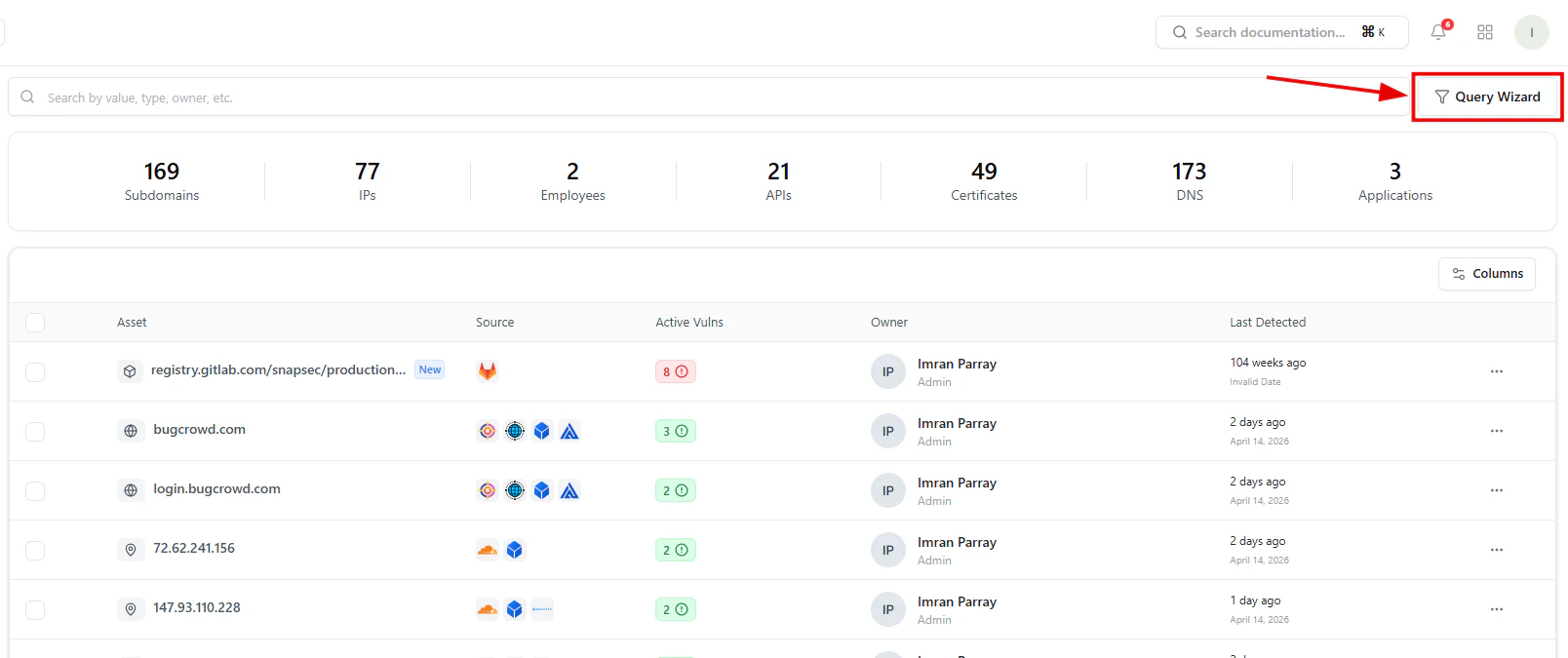 The Query Wizard allows you to:
* Apply predefined presets
* Build custom filters
* Combine multiple conditions
***
## 3. Building Queries
The Query Wizard allows you to:
* Apply predefined presets
* Build custom filters
* Combine multiple conditions
***
## 3. Building Queries
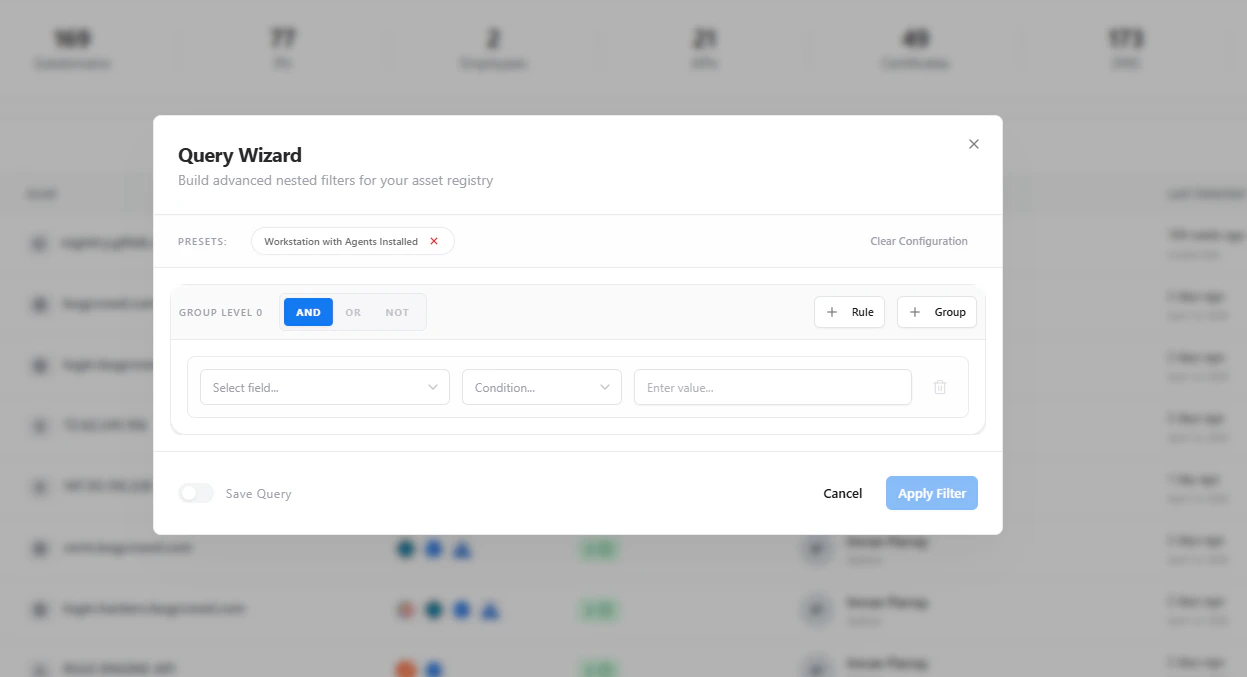 You can:
* Select fields (IP, domain, owner, etc.)
* Apply conditions (equals, contains, etc.)
* Group rules with AND / OR logic
***
## 4. Filtered Results
You can:
* Select fields (IP, domain, owner, etc.)
* Apply conditions (equals, contains, etc.)
* Group rules with AND / OR logic
***
## 4. Filtered Results
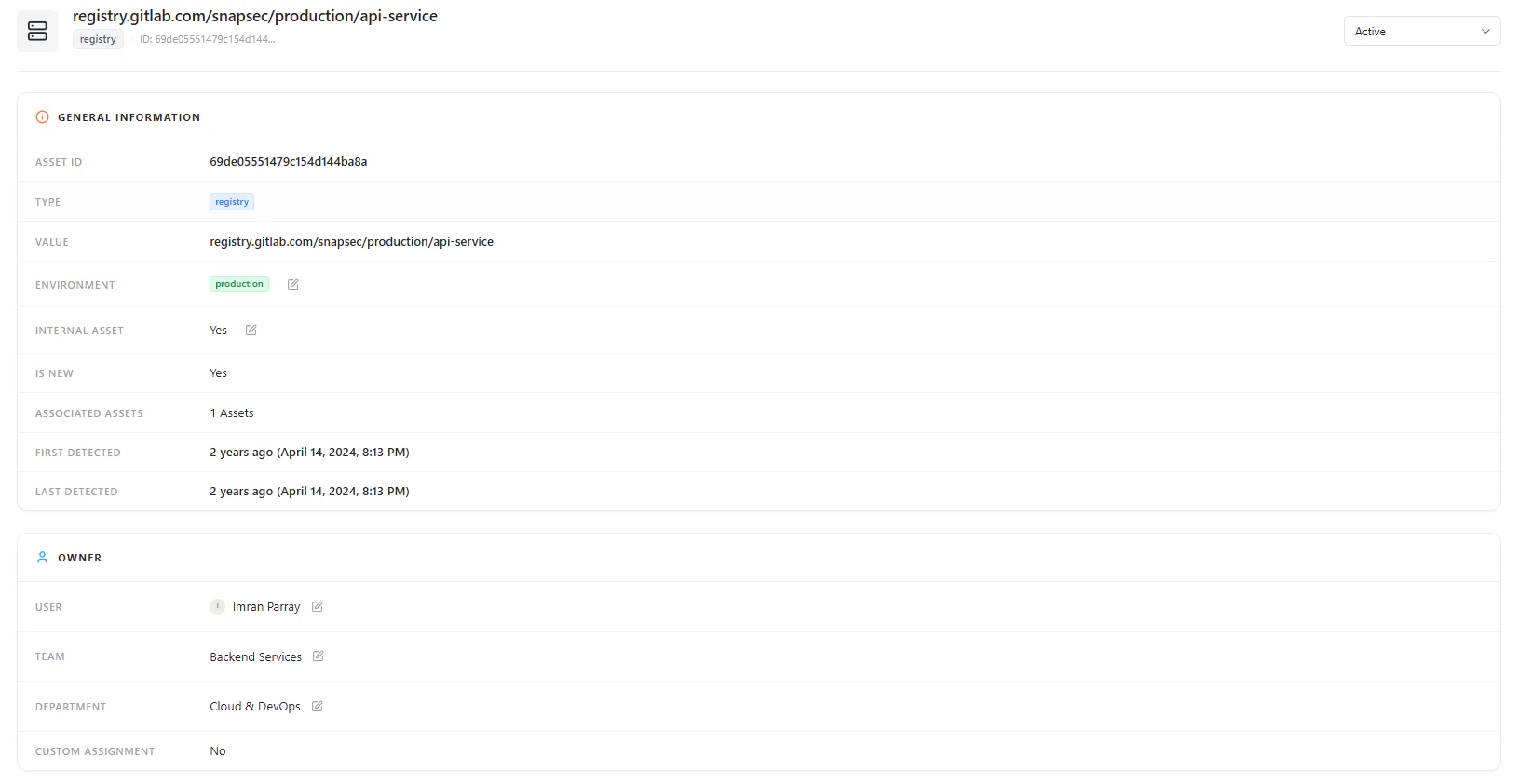 Once applied, results update instantly to reflect matching assets.
***
## 5. Deep Asset View
Once applied, results update instantly to reflect matching assets.
***
## 5. Deep Asset View
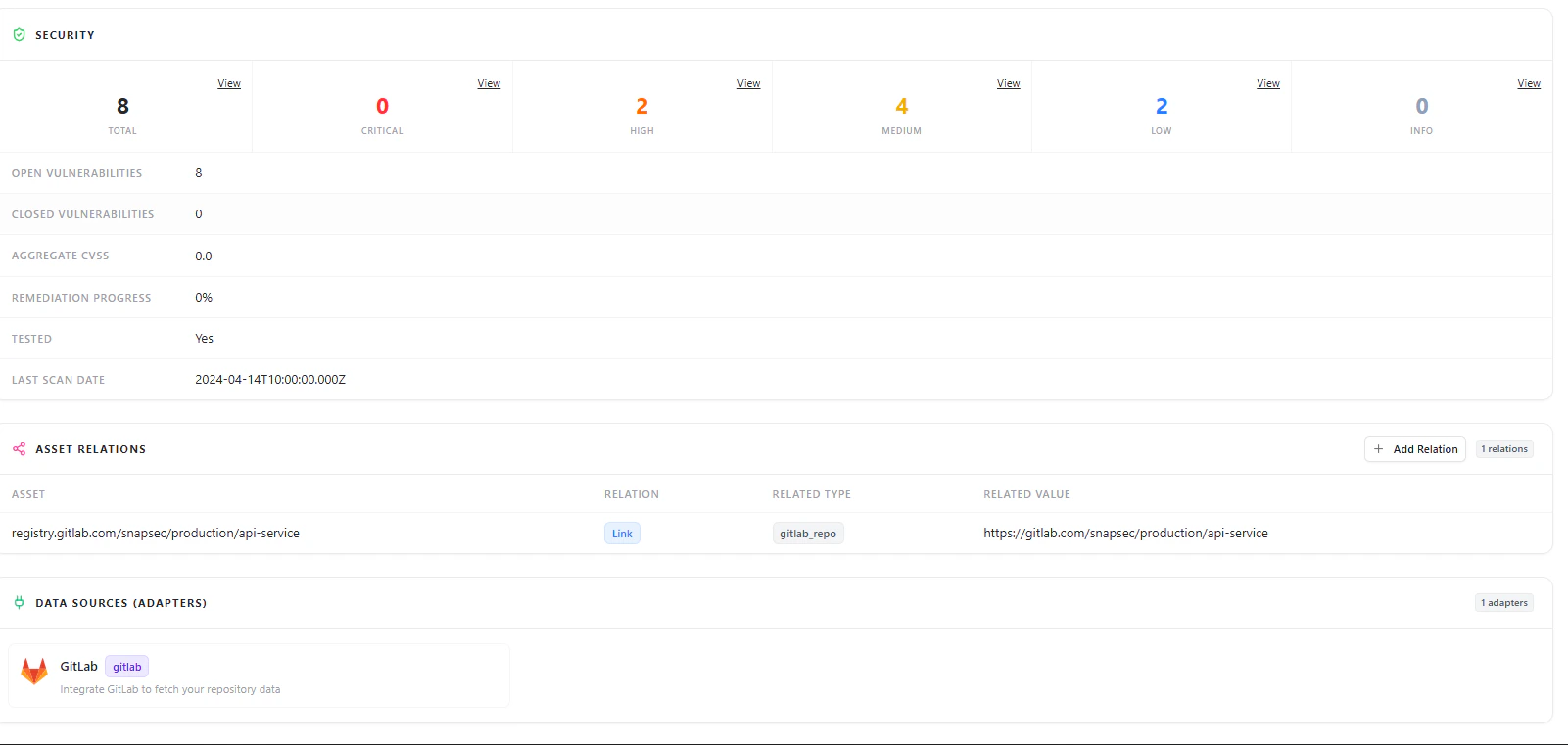 From results, you can:
* Open asset details
* Analyze security posture
* Explore relationships and metadata
***
## Why This Matters
* Quickly isolate high-risk assets
* Segment infrastructure by context
* Reduce noise in large inventories
* Enable targeted investigation
***
## Explore Live Demo
Instantly explore how Snapsec AIM helps you filter and investigate assets in real time.
From results, you can:
* Open asset details
* Analyze security posture
* Explore relationships and metadata
***
## Why This Matters
* Quickly isolate high-risk assets
* Segment infrastructure by context
* Reduce noise in large inventories
* Enable targeted investigation
***
## Explore Live Demo
Instantly explore how Snapsec AIM helps you filter and investigate assets in real time.