> ## Documentation Index
> Fetch the complete documentation index at: https://docs.snapsec.co/llms.txt
> Use this file to discover all available pages before exploring further.
# Integration Ecosystem
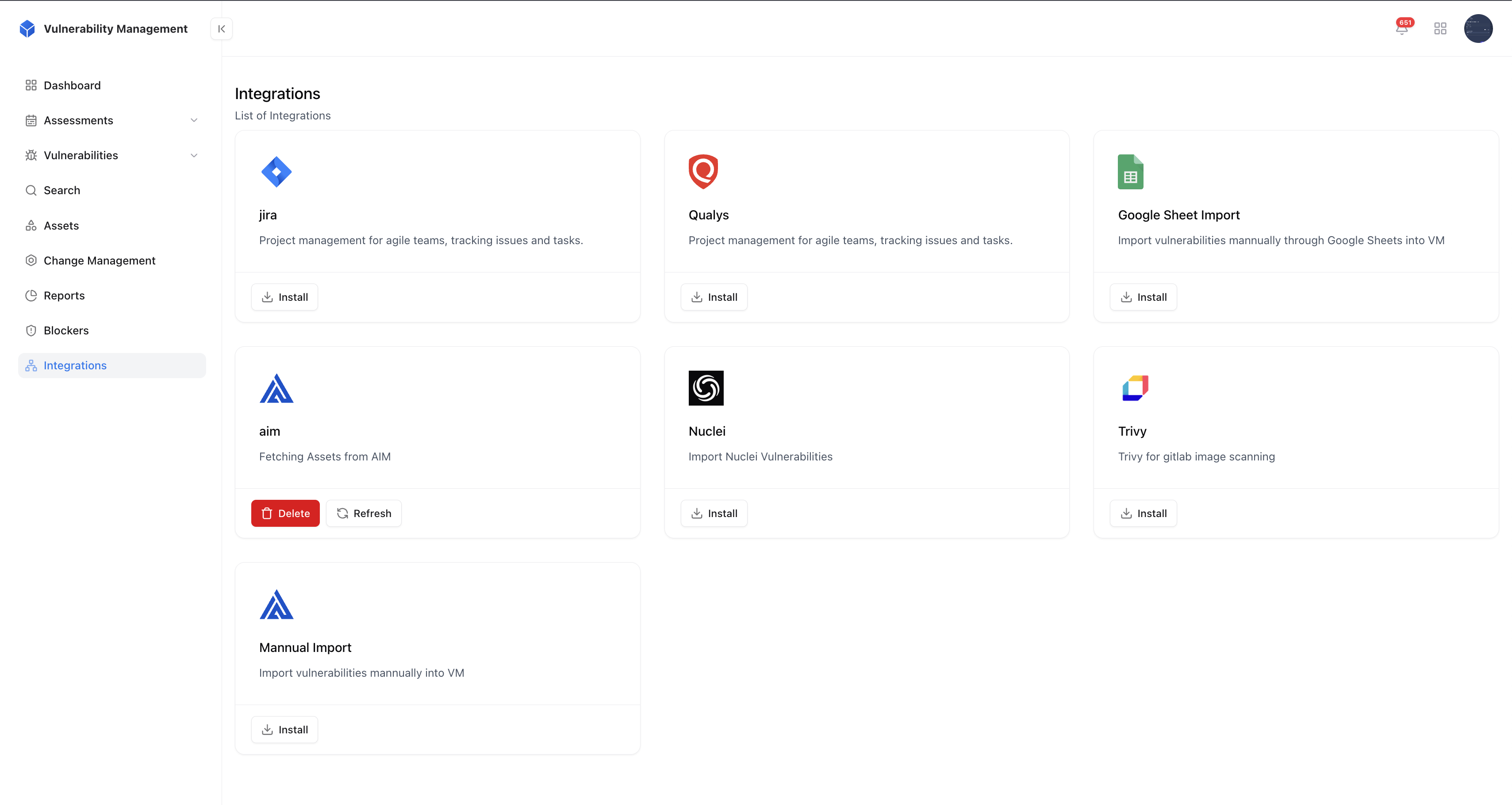
> Connect with Jira, Qualys, Trivy, Nuclei, AIM, and more to automate imports and sync tickets.
 ## Overview
The Integration Ecosystem connects Snapsec VM with your existing tools, ensuring data flows seamlessly across your security and development stack.\
Automate vulnerability imports, synchronize tickets, and maintain a single source of truth across your ecosystem.
## Key Capabilities
Connect effortlessly with tools like Qualys, Trivy, Nuclei, and Jira to streamline vulnerability management.
Automatically fetch vulnerabilities from integrated scanners to keep your assessments always up to date.
Push findings to Jira or other ticketing systems and track their remediation progress in real time.
Integrate with Snapsec AIM and ASM to enrich vulnerabilities with asset context and exposure insights.
## Value
Unify your security operations by connecting scanners, trackers, and asset intelligence into one automated ecosystem.
## Next Steps
Follow our quickstart guide to set up your organization and start securing your assets today.
## Overview
The Integration Ecosystem connects Snapsec VM with your existing tools, ensuring data flows seamlessly across your security and development stack.\
Automate vulnerability imports, synchronize tickets, and maintain a single source of truth across your ecosystem.
## Key Capabilities
Connect effortlessly with tools like Qualys, Trivy, Nuclei, and Jira to streamline vulnerability management.
Automatically fetch vulnerabilities from integrated scanners to keep your assessments always up to date.
Push findings to Jira or other ticketing systems and track their remediation progress in real time.
Integrate with Snapsec AIM and ASM to enrich vulnerabilities with asset context and exposure insights.
## Value
Unify your security operations by connecting scanners, trackers, and asset intelligence into one automated ecosystem.
## Next Steps
Follow our quickstart guide to set up your organization and start securing your assets today.